HIPOPOTAMYA, A DIFFERENT UTOPIA IN THE GAME WORLD!

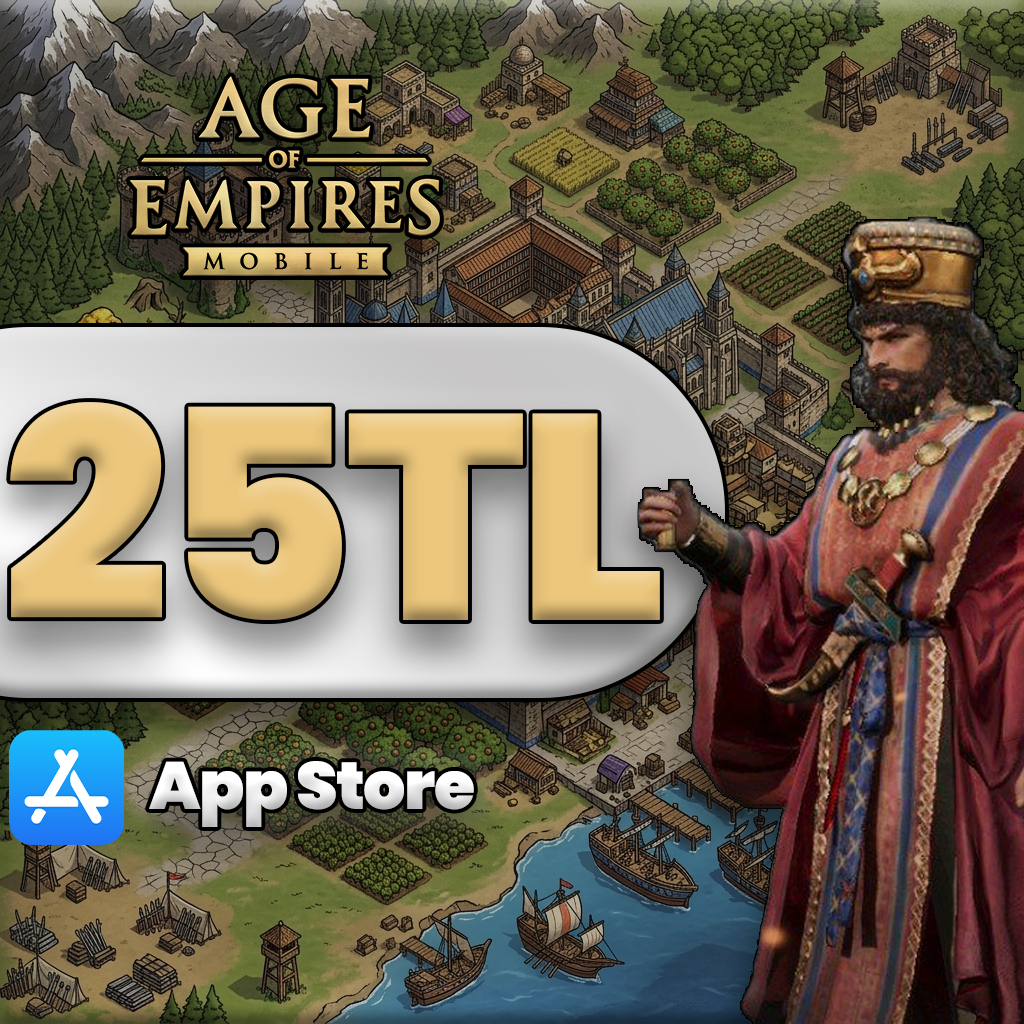
Age of Empires Mobile 25 TL App Store

Age of Empires Mobile 25 TL App Store


26.43 TL
Delivered as an App Store & iTunes Gift Card.

Age of Empires Mobile – Master Your Strategy and Build Your Empire!

Age of Empires Mobile brings the ultimate strategy and civilization-building experience to mobile devices. Players can construct their cities, manage resources, and train armies to defeat opponents. Every move, every battle, and every resource management decision tests your strategic thinking.

The game features diverse civilizations and units, each with unique advantages. Efficiently managing your resources to expand cities, develop technologies, and train troops is key to gaining superiority over your rivals. Filled with real-time battles and challenging missions, the game emphasizes quick thinking, planning, and risk management skills.

Every match presents a new strategy and a fresh challenge. Whether you prefer an aggressive empire or a defensive strategy, Age of Empires Mobile offers depth suited for every playstyle.

Why Choose Hipopotamya?

  • Fast Delivery: Your in-game purchases are added to your account instantly, so you can continue playing without waiting.
  • 🔒 Secure Shopping: Shop with confidence using 100% reliable payment methods.
  • 🎁 Great Prices: Enjoy attractive deals and special offers on Age of Empires Mobile products.
  • 🌍 Access from Anywhere: Whether you're connecting from Turkey or abroad, Hipopotamya is always by your side!

Step into the world of Hipopotamya today, strengthen your empire, and show your superiority over opponents in Age of Empires Mobile!

Hipopotamya Logo

Age of Empires Mobile Resource Top-Up Guide – Hipopotamya

To top up resources and gold to your Age of Empires Mobile account, you can choose Google Play or App Store & iTunes Gift Card packages with various balance options via Hipopotamya.com.

🛒 1) Purchasing Gift Cards via Hipopotamya.Com

  • After logging into our site Hipopotamya.com, navigate to the Google Play or App Store & iTunes Gift Card category suitable for your device using the search bar.
  • Explore various balance packages on our site, add the balance option that best suits your needs to your cart, and complete your payment.
  • Once your order is confirmed, your gift code will be delivered instantly to you under the My Account → My Orders tab.
  • Flexible Options: By selecting from different balance packages, you can easily purchase in-game special offers and resource bundles.

📲 2) Gift Card Balance Redemption Steps

🤖 Method 1: Google Play Gift Code (Android)

  1. Open the Play Store app on your mobile device or go to play.google.com in your browser.
  2. Tap your Profile Icon in the top right corner.
  3. Go to Payments & subscriptions → Redeem gift code (Redeem code).
  4. Enter the Google Play gift code you received from Hipopotamya into the designated field and click Redeem.
Balance Added! You can now purchase resource and gold packages in Age of Empires Mobile using your Google Play balance.

🍎 Method 2: App Store & iTunes Gift Card (iOS)

  1. Open the App Store app on your iPhone or iPad device.
  2. Tap your Profile Icon in the top right corner.
  3. Tap Redeem Gift Card or Code.
  4. Manually enter or paste the App Store code you purchased from Hipopotamya, then confirm.
Balance Added! Your Apple ID balance has been updated. You can make purchases directly from the in-game store.

🏰 3) How to Use Age of Empires Mobile Resources?

In-game resources are critically important for growing your cities, training troops, researching technologies, and gaining a strategic advantage:

  • City & Buildings: Construct new structures and upgrade your buildings to higher levels.
  • Troops & Units: Expand your army to gain dominance over your opponents on the battlefield.
  • Fast Progression: Reduce wait times, speed up building and research processes.
  • Special Bundles: Take advantage of time-limited campaigns and advantageous starter packs.

Step-by-Step In-Game Purchase:

  1. Open the Age of Empires Mobile game and go to the Shop / Store tab.
  2. Select the resource/gold package you wish to purchase.
  3. Select your redeemed Google Play or App Store balance as the payment method and confirm the transaction.
  4. If you have an in-game gift code (E-Pin): Go to the Settings → Redeem Code section, directly enter the code you received from Hipopotamya, and claim your rewards.
Hipopotamya Logo

Instantly top up your Age of Empires Mobile resources 24/7 with Hipopotamya's secure and fast service!

IMPORTANT WARNING
• Google Play and App Store gift cards are region-specific. Ensure that the card type you purchase matches your store account region.
• Ensure you do not leave unnecessary spaces when entering codes.
• Google Play / App Store store policies and redemption steps may be updated over time.

📱 Age of Empires Mobile System Requirements

Platform Minimum Requirement
Android Operating System Android 7.0 or higher (3 GB RAM recommended)
iOS / iPadOS Operating System iOS 12.0 / iPadOS 12.0 or higher
Storage Space At least 4 GB of free storage space

❓ Frequently Asked Questions

Q: Where can I find the Google Play / App Store code I purchased from Hipopotamya?

A: Once your payment is completed, your gift code is instantly delivered under the My Account → My Orders tab.

Q: Can I redeem multiple gift cards to the same account?

A: Yes, you can add multiple codes sequentially to your store account to increase your balance to your desired amount.

0

Average Rating

0%Satisfaction (0 / 0)
0%
0%
0%
0%
0%

Information

The reviews in this area are real evaluation comments made by real users who have purchased these products.

Yükleniyor...

I'm Sorry!

Be the first to review!

Birlikte Alınanlar

Your stock requests will be supplied with priority and you will be informed.

Forgot your password?

Your personal data will be used to improve your experience on Hipopotamya, manage access to your account and for other purposes described below.

Do you want to become a dealer?

Log in using your social media account