

HIPOPOTAMYA, A DIFFERENT UTOPIA IN THE GAME WORLD!

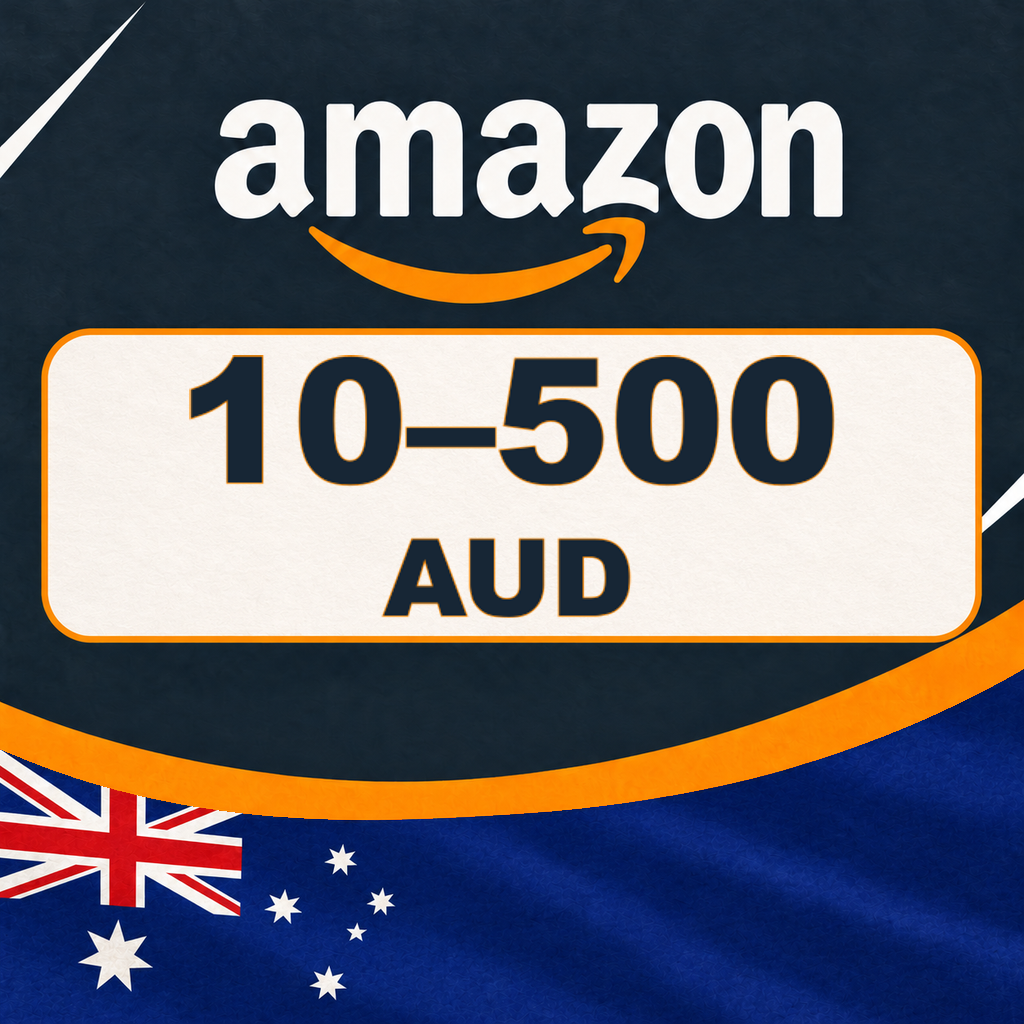
Amazon Australia 10 - 500 AUD

Amazon Australia 10 - 500 AUD


38.65 TL
Epin kodu olarak teslim edilir.

Amazon Australia AUD

What Is PlayStation Network?

PlayStation Network brings PlayStation games, account libraries and online features together in a service ecosystem. The Store lets you explore games and add-ons, buy eligible content and use supported communication features with friends. An AUD Wallet card offered for Australia adds payment funds to a compatible account. Redeeming it does not automatically purchase a particular game or Plus plan; those require separate choices and conditions.

A PlayStation Store gift card is a digital code for adding wallet funds to an eligible account. Compare Australia / AUD packages at Hipopotamya, checking the card’s country against your PlayStation account’s registered region.

What can wallet funds buy?

Use added credit for eligible games, add-ons and other digital options in the relevant PlayStation Store. The card is not for hardware or physical consoles, and it does not automatically add a particular game to your account.

Match the card country and account region

This product family is listed for Australia. Matching currency alone is not enough; code and account regions must match. Do not assume cards from other countries using the same currency are interchangeable.

Gift cards and PlayStation Plus are distinct

A wallet card does not directly grant a set period of Plus membership. Buying an eligible subscription is a separate store transaction; payment-method requirements and service terms may apply. Distinguish wallet credit, membership codes and discount coupons by product type.

Questions about PlayStation gift cards

Can the card be used in every country?

No. The Australia code’s region must match your account.

Does redeeming the card buy a game?

No. It adds wallet credit; select and purchase eligible content separately in the store.

HipopotamyaBrowse PlayStation Australia cardsChoose after checking package value and your account’s registered country.

24/7 live support

For product and order questions, contact our team through the live support area on our website.

Hipopotamya

How to redeem an Amazon gift card

Use the marketplace named in the product terms. USD, TRY and EUR cards are not one transferable balance across all Amazon stores.

Official source and support ↗

Identify the marketplace

Retrieve the code from your orders. Open the specified Amazon.com, Amazon.com.tr or other marketplace and sign in to the intended account.

Open gift card redemption

Go to your account’s Gift Cards section and redemption option. Amazon.com/gc/redeem is for US cards; do not submit a different marketplace’s card there.

Apply the claim code

Enter the delivered claim code and confirm applying it to your account, not an order number or card serial number.

Check checkout

Review your gift card balance and its use on an eligible purchase. Any uncovered amount may need a separate payment method.

Redemption questions

Code not accepted?

Check the account, region and code type. Contact support with your order number and error message without posting the code publicly; do not pay again.

HipopotamyaExplore gift cardsCheck region, card type and redemption conditions.

24/7 live support

Use our website’s live support area for order and code questions.

Hipopotamya

0

Average Rating

0%Satisfaction (0 / 0)
0%
0%
0%
0%
0%

Information

The reviews in this area are real evaluation comments made by real users who have purchased these products.

Yükleniyor...

I'm Sorry!

Be the first to review!

Your stock requests will be supplied with priority and you will be informed.

Forgot your password?

Your personal data will be used to improve your experience on Hipopotamya, manage access to your account and for other purposes described below.

Do you want to become a dealer?

Log in using your social media account