HIPOPOTAMYA, A DIFFERENT UTOPIA IN THE GAME WORLD!

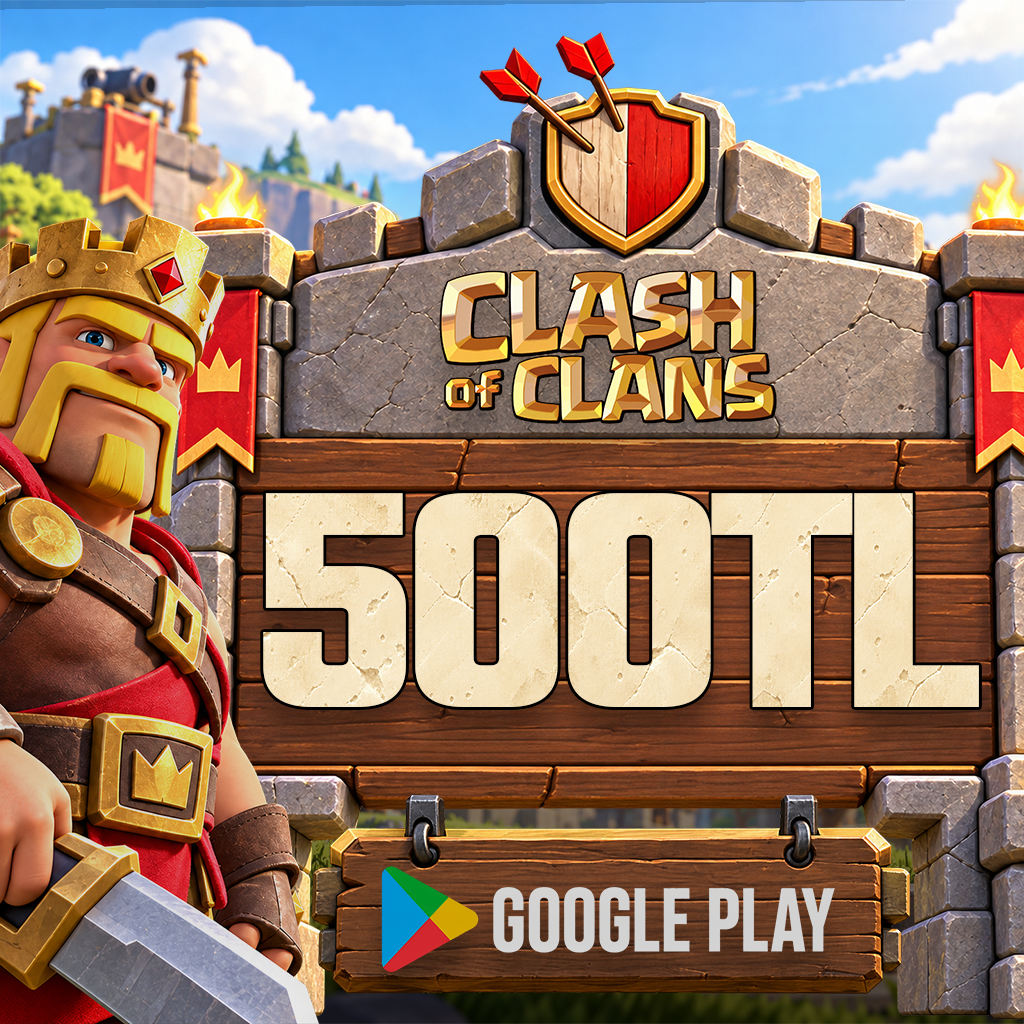
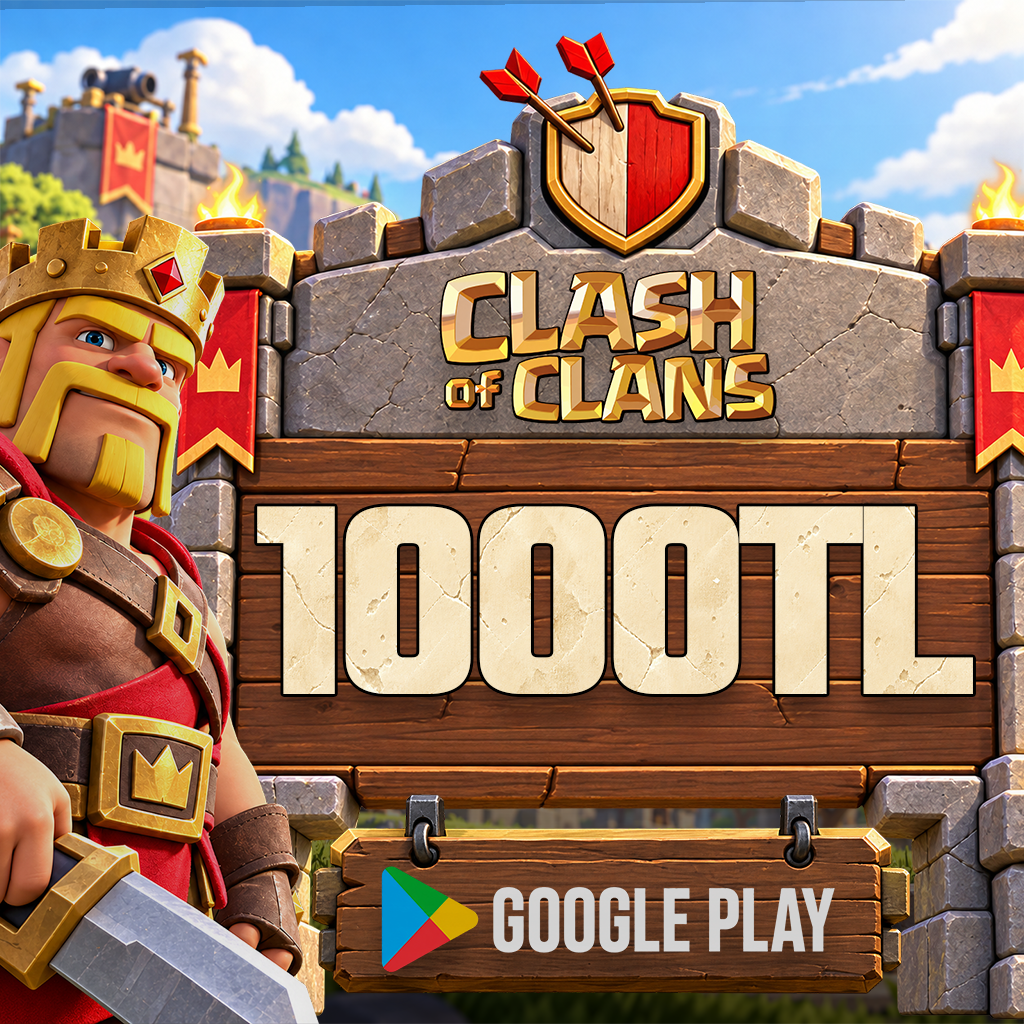
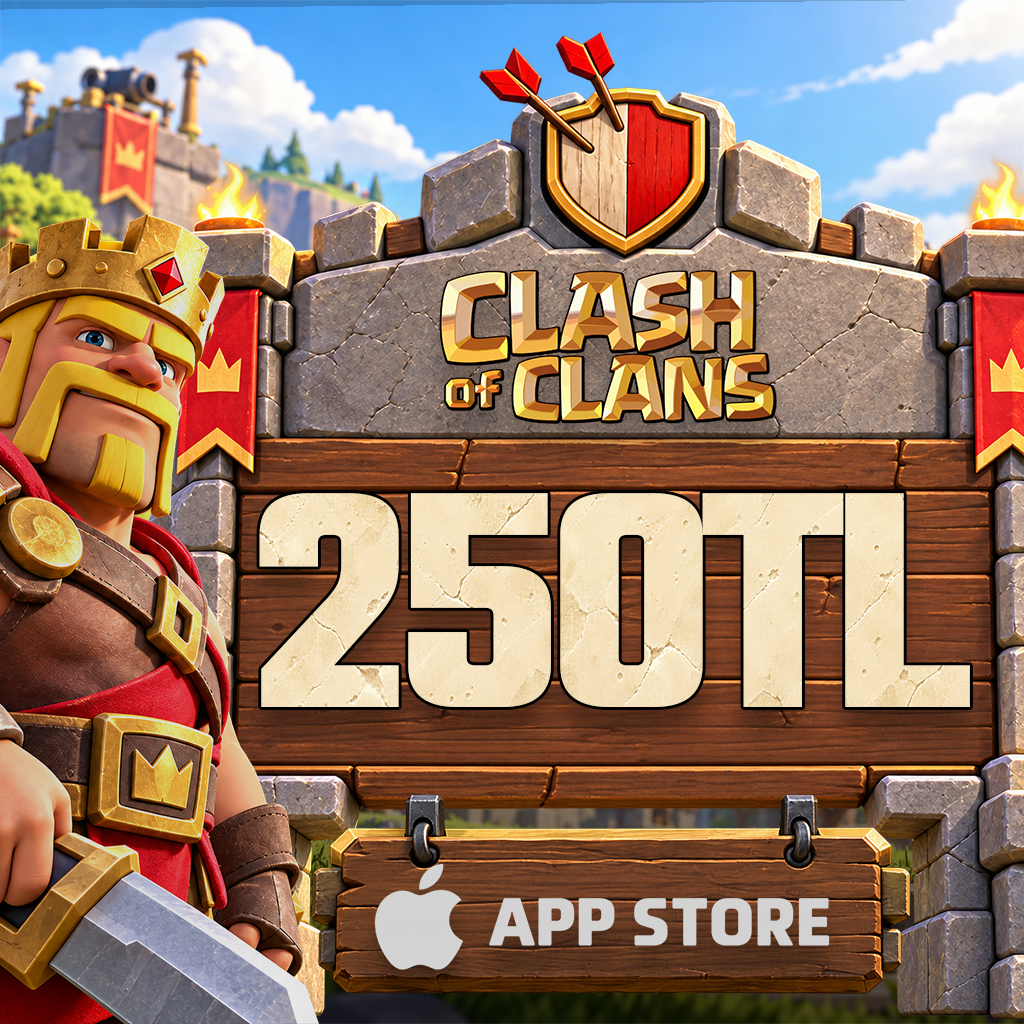
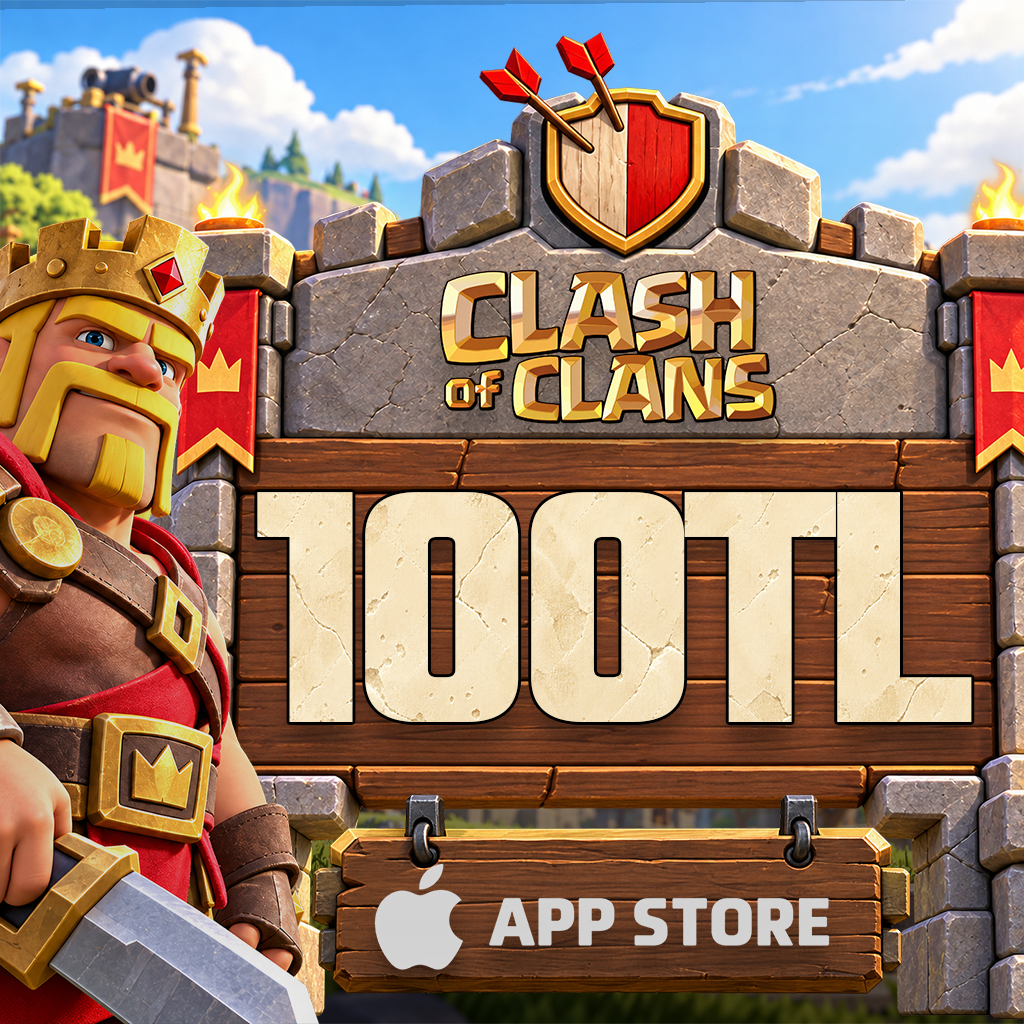
Clash Of Clans Taş 250 TL Google Play
Clash Of Clans Taş 250 TL Google Play

Clash Of Clans
Category: Clash Of Clans

266.67 TL
Delivered as a Google Play Balance Code.

What Is Clash of Clans?

Clash of Clans is Supercell’s strategy game combining village building, defensive layouts and army management. You manage resources, develop buildings and assemble different troop combinations to attack rival villages. Joining a Clan or establishing your own lets you take part in the game alongside other players. Both the arrangement of your defenses and the timing of your attacking troops influence your plans. The store cards listed for this game on Hipopotamya are separate digital products for eligible in-game purchases, not deliveries of a village or game account.

This Clash of Clans product family includes Google Play and Apple store balance cards. Choose for your device and store account. A product’s TRY value is not a direct Gems amount; the in-game purchase is a separate step. This description applies to all card denominations in the family.

What is Clash of Clans?

In Supercell’s mobile strategy game, you arrange a village, plan defenses and choose army compositions for attacks. Joining a clan lets you take part in challenges with other players. Resource management and attack decisions matter alongside any purchases.

Gems versus store credit

Gems are a valuable resource used for eligible in-game content and actions. Gold Pass is a separate product; buying a store gift card does not automatically activate it. Check the current in-game price and content before selecting a gem package or another offer.

Choose for Android or iOS

Google Play codes add eligible Play balance on Android, while Apple cards are for eligible Apple Account balance. Equal cash values do not make the two interchangeable. Check that the corresponding balance is accepted on the purchase screen.

Choose a suitable denomination

Review the current in-game offer price and your existing store balance, then choose a card value for your needs. Taxes, prices and offers may change, so this shared description does not promise a fixed gem or currency conversion.

Clash of Clans card questions

Does this add currency directly to my game account?

For products specified as store gift cards, you first obtain the corresponding store balance. You then purchase eligible in-game content separately.

Where is the amount shown?

The selected product lists its monetary value and delivery format. The current in-game purchase screen shows the package and content you can buy.

Where can I track my order?

Check status and delivery details under My Orders in your Hipopotamya account. Never share sign-in verification codes or your password.

HipopotamyaCompare Clash of Clans productsCheck the denomination, price and region conditions before choosing a Google Play or Apple card for your device.

24/7 live support

For product selection and order questions, contact the Hipopotamya team through the site’s live support area.

Hipopotamya

How to top up Clash of Clans Gems

A Google Play or Apple balance code does not add Gems directly. Redeem the store credit first, then buy Gems while signed in to the correct village.

Official source and support ↗

Check the card and device

Get the code from My Orders. Google Play cards belong to Google accounts; Apple cards belong to Apple accounts. Check country and currency requirements.

Redeem your store credit

On Android, open Google Play and go to your profile icon > Payments & subscriptions > Redeem gift code. On iPhone, open Redeem Code in your App Store profile and choose Enter Code Manually. Confirm that you are using the intended store account before redeeming.

Redeem Code in the App Store profile
Current Apple support screen: open Redeem Code from your iPhone App Store profile. This adds Apple Account balance; purchasing Clash of Clans gems is a separate next step.

Buy Gems in the game

Open the correct village and choose a Gem pack in the shop. Select eligible store credit in checkout and review the charge; check the Gem balance after confirmation.

Redemption questions

Why are the Gems missing?

Adding store credit and buying Gems are separate actions. Check the village and payment result; contact official support with your receipt if needed.

HipopotamyaBrowse Clash of Clans productsCheck card type and regional compatibility.

24/7 live support

Use our website’s live support area for order and code questions.

Hipopotamya

0

Average Rating

0%Satisfaction (0 / 0)
0%
0%
0%
0%
0%

Information

The reviews in this area are real evaluation comments made by real users who have purchased these products.

Yükleniyor...

I'm Sorry!

Be the first to review!

Birlikte Alınanlar

Your stock requests will be supplied with priority and you will be informed.

Forgot your password?

Your personal data will be used to improve your experience on Hipopotamya, manage access to your account and for other purposes described below.

Do you want to become a dealer?

Log in using your social media account