


Roblox Gift Card 20 USD
WARNING: To use the code, your Roblox account's currency must be in US Dollars (USD), and the store should be set to the US.
What is Roblox?
Roblox is a game development and game-playing platform that includes various games and experiences. It was developed and released by Roblox Corporation. Roblox serves as a game engine and a virtual world creation tool. Players can create their own games and share them with other players. Additionally, they can discover and play games created by other users on the platform.
Game Creation and Development
Roblox allows users to create and develop their own games. Games can be created based on users' imagination and programming skills.
Playing and Discovering Games
The platform includes millions of different games. Users can access Roblox to discover, play, and interact with other players.
Virtual World and Avatar
Users can create their own virtual avatars and interact with other players using these avatars. They can customize their avatars, add clothes, and personalize their characters.
Social Interaction
Roblox offers the opportunity to interact with friends and other players. You can add friends, join groups, and communicate with others.
Roblox Studio
Roblox Studio is the official development tool used for creating games. Users can design, program, and test their games in detail using this tool.
Virtual Item Marketplace
On Roblox, users can buy and sell virtual items (clothes, accessories, tools, etc.). This provides players with an opportunity to customize their avatars.
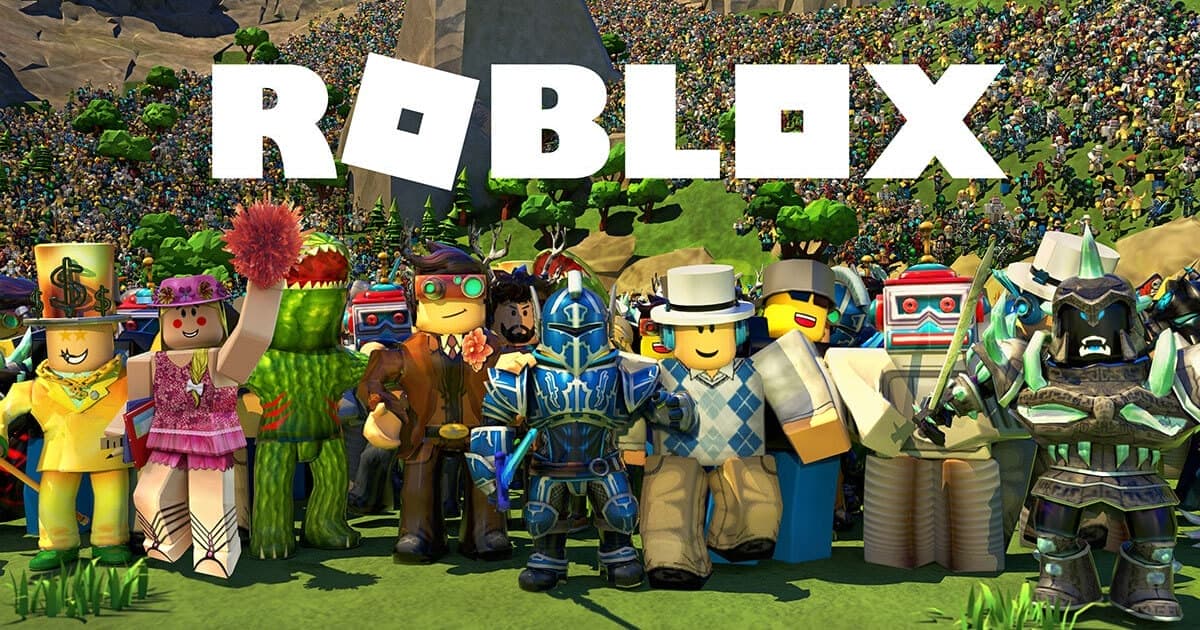
Roblox is popular among players of various age groups. The platform offers a way for those who want to learn game development skills, create games, and share them. Roblox provides an environment for users to showcase their creativity and engage in the gaming world.
How to Play Roblox?
Since Roblox is a platform that includes a wide variety of games and experiences, how to play depends on the type of game selected and the game itself. However, the basic steps to play Roblox are as follows:
Create a Roblox Account
To use Roblox, you need to create an account. Go to the official Roblox website and click on "Sign Up" to create an account.
Install Roblox Studio (Optional)
If you want to create your own games, you may need to download and install Roblox Studio. This is the official tool used for game development.
Choose a Game
On the main page of Roblox or within the app, there are many different games and experiences. Explore the game options and choose one that interests you.
Start Playing
Go to the game's page and click on "Play" to start the game. Follow the instructions on the screen to understand the rules and gameplay.
Customize Your Avatar
Create and customize your avatar. Add clothes, accessories, and other items to express yourself.
Social Interaction
Add friends, join groups, and interact with other players. Roblox offers opportunities for social interaction since it is a social platform.
Virtual Item Marketplace
You can buy additional items from the virtual item marketplace to personalize your avatar further.
Game Development and Roblox Studio (Optional)
If you want to become an advanced player or game developer, you can use Roblox Studio to create your own games and share them with other players.
Roblox offers a wide range of games, so you can find adventure, strategy, role-playing, racing, and many other types of games to play. The content and gameplay of the games largely depend on the type of game and the design of the developer.
What is Roblox Robux?
Robux is the virtual currency used on the Roblox platform. It is used for accessing additional content in Roblox games and experiences, customizing avatars, purchasing special items, and enjoying many other features. Robux allows players to make in-game purchases and participate in the virtual economy of the platform.
In-Game Purchases
In Roblox games, Robux can be used to buy special content set by the developers. This content may include special items, clothes, accessories, and other exclusive items.
Avatar Customization
Robux is used by players to further personalize their avatars. Players can add clothes, hairstyles, accessories, and other items to their avatars.
Game Development
Those who develop games using Roblox Studio can use Robux to add content to their games or sell special items within their games.
Group Memberships
Players who create groups on Roblox may pay Robux for group memberships to gain special features and advantages.
Virtual Item Store
On the Roblox platform, users can design their own items and sell them to other players in exchange for Robux.
Robux can be purchased for real money. Players can buy Robux in specific amounts through the official Roblox website or mobile app stores. This virtual currency supports the platform's economic structure and gives players access to various content and advantages.

Redemption questions
Why is Credit visible but not Robux?
Check Credit in a browser; buying or converting it into Robux requires a separate confirmation.
24/7 live support
Use our website’s live support area for order and code questions.
Information
The reviews in this area are real evaluation comments made by real users who have purchased these products.

I'm Sorry!
Be the first to review!