


E-Pin Ürünleri
| Product Name | Stock | Unit Price | Quantity | Price | Order | |
|---|---|---|---|---|---|---|
|
500 IKV Act / ICF Loan It is delivered in 500 Akçe. | 72.20 TL | 72.20 TL | Add to Cart | ||
|
1000 IKV Coins / ICF Credit It is delivered in 1000 Akçe. | 133.37 TL | 133.37 TL | Add to Cart | ||
|
2500 IKV Coins / ICF Credit It is delivered in 2500 Akçe. | 310.85 TL | 310.85 TL | Add to Cart | ||
|
5500 IKV Coins / ICF Credit Delivered in 5500 Akçe. | 571.57 TL | 571.57 TL | Add to Cart | ||
|
IKV Çemberlitaş Cemberlitaş is delivered as an expansion package. | 491.35 TL | 491.35 TL | Add to Cart |
İstanbul Kıyamet Vakti

What to check before buying an IKV product
- Akçe amount: The product list includes 500, 1000, 2500 and 5500 Akçe options. Check the current amount and description of your chosen package; use the product screen for price and stock.
- Product scope: Currency balance, a Plus subscription and Çemberlitaş expansion access are different. Compare your account and the product terms to avoid purchasing an entitlement you already have.
- Code and account security: Use your delivered code only in the appropriate official redemption area. Make sure you are signed in to the correct account and do not share your code or password.
Buying IKV Akçe and e-pins at Hipopotamya
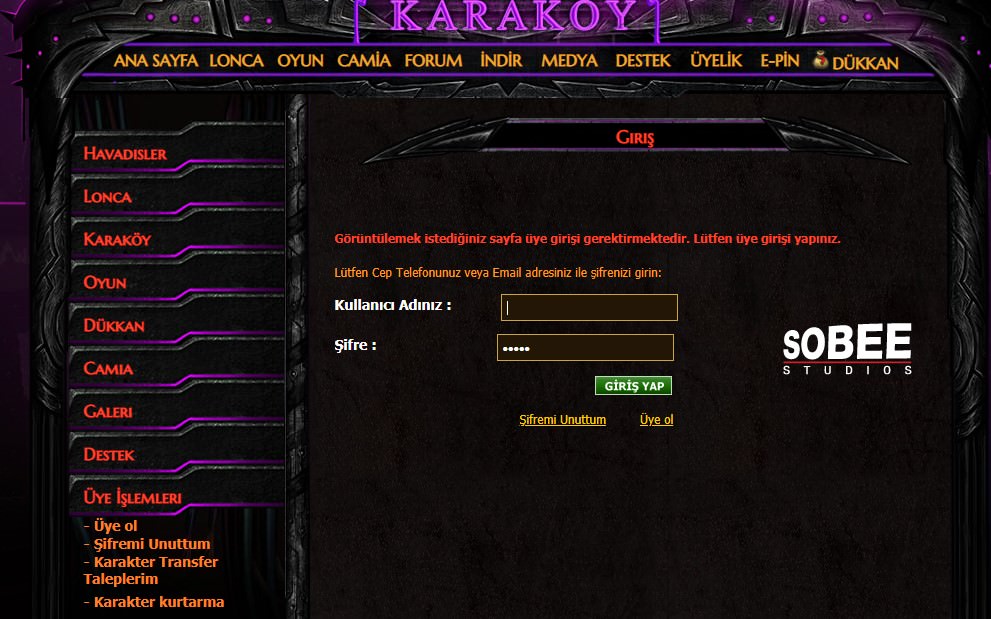
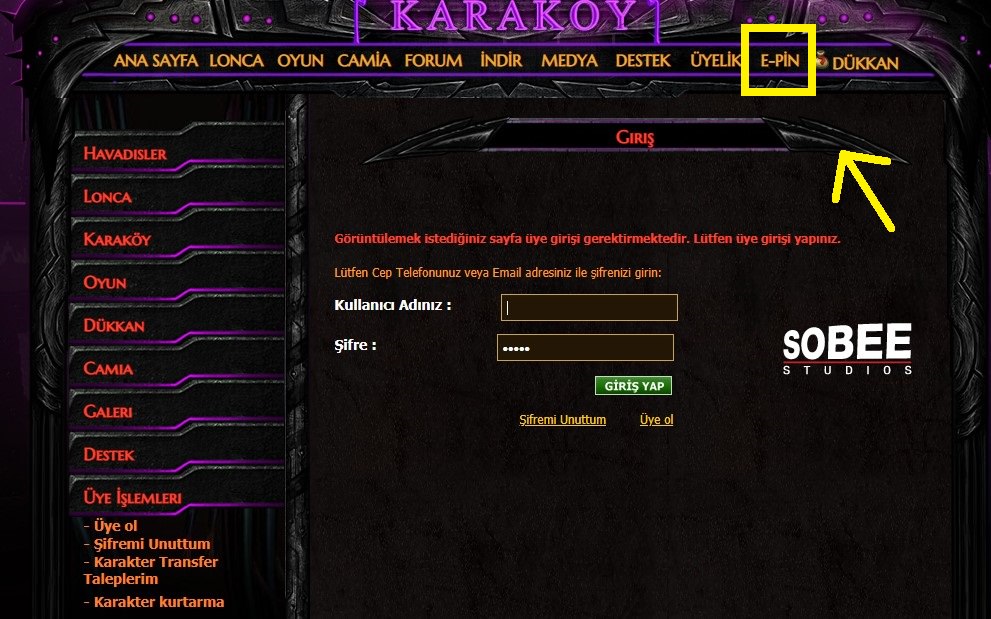
Choose a product, read its description and complete your order. Follow the relevant instructions for the delivered code or package. The official IKV E-Pin area requires an account login. Delivery of a code and activation of your in-game balance or package entitlement are separate stages.
Frequently asked questions
Are IKV Akçe and Plus Package the same?
No. Akçe is a spending balance, while Plus Package is a separate subscription. If you want to purchase Plus, check the official shop’s current terms and activation step separately.
Does buying Çemberlitaş add Akçe to my account?
The shop lists Çemberlitaş as an expansion pack. Unless its product description explicitly states otherwise, do not treat it as a package that provides Akçe balance or a Plus subscription.
I redeemed my Akçe code but cannot see the balance. What should I do?
First check that you are using the correct IKV account and review the result on the official redemption screen. If the issue persists, contact Hipopotamya support with your order number and an error screenshot with personal information hidden. Do not post your code publicly.
24/7 live support
For questions about your IKV order or delivered code, contact the Hipopotamya team through the website’s live support area, available 24/7.

Information
The reviews in this area are real evaluation comments made by real users who have purchased these products.

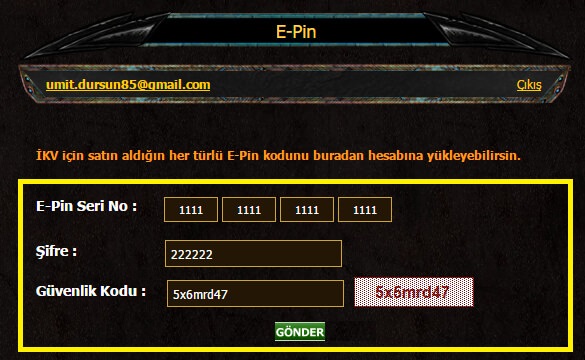
Redemption questions
What if redemption fails?
Check the target membership, missing characters and spaces. Keep the order number and error message.
24/7 live support
Use our website’s live support area for order and code questions.
M**** H**** 12-02-2024, 14:01 (2 years ago)
cok hızlı süper güvelenir