


Barem Ürünleri
Barem ürünleri ön sipariş olarak sunulur ve belirlediğiniz tutar üzerinden işlem yapılır.
| Product Name | Stock | Code Value | Quantity | Price | Order | |
|---|---|---|---|---|---|---|
|
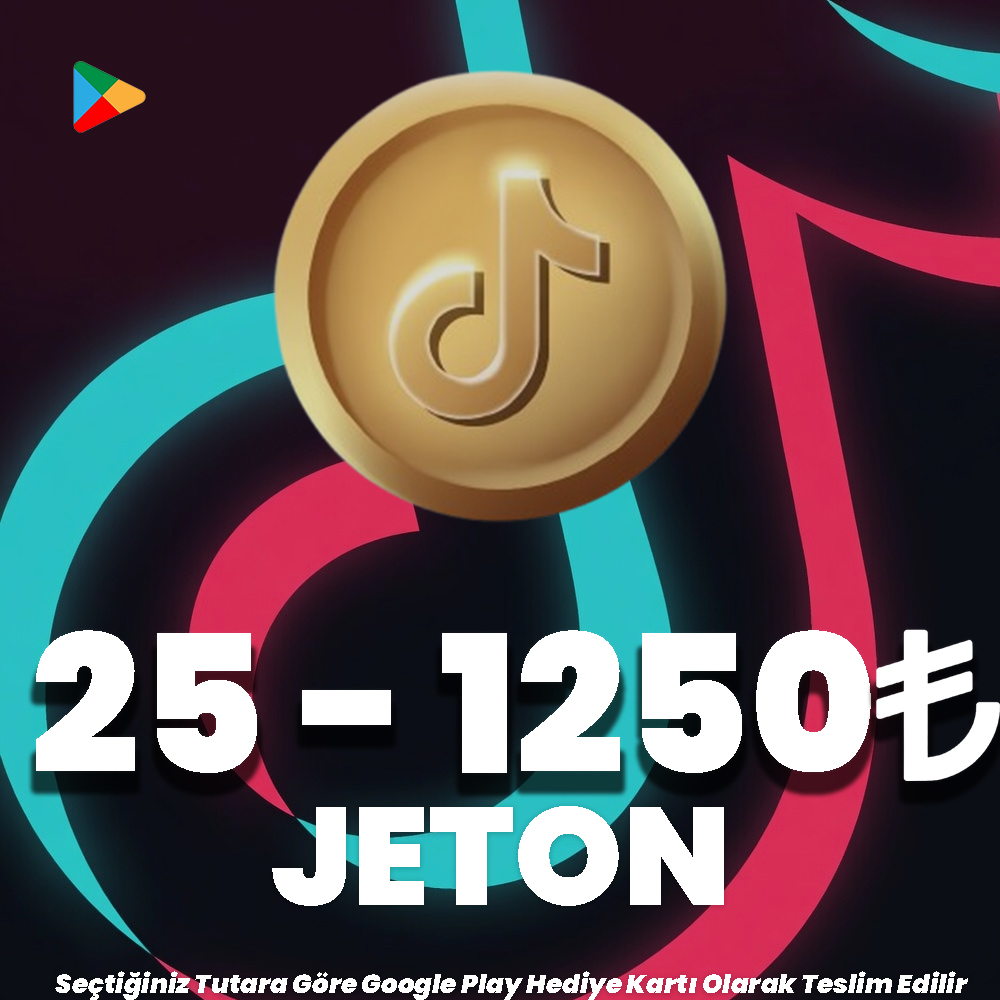
TikTok Google Play 25 - 1250 TL Jeton Delivered as an Google Play Gift Card according to the amount you selected. | 1.02 TL | Add to Cart | |||

|
TikTok Apple Store 100 - 2000 TL Jeton Delivered as an Apple Store Gift Card according to the amount you selected. | 1.03 TL | Add to Cart |
E-Pin Ürünleri
| Product Name | Stock | Unit Price | Quantity | Price | Order | |
|---|---|---|---|---|---|---|
|
TikTok Apple Store 25 TL Jeton 25 TL Tutarında App Store & iTunes Hediye Kartı olarak teslim edilir. | 26.43 TL | 26.43 TL | Notify when stock available | ||

|
TikTok Apple Store 50 TL Jeton 50 TL Tutarında App Store & iTunes Hediye Kartı olarak teslim edilir. | 52.87 TL | 52.87 TL | Notify when stock available | ||

|
TikTok Apple Store 100 TL Jeton 100 TL Tutarında App Store & iTunes Hediye Kartı olarak teslim edilir. | 103.80 TL | 103.80 TL | Add to Cart | ||
|
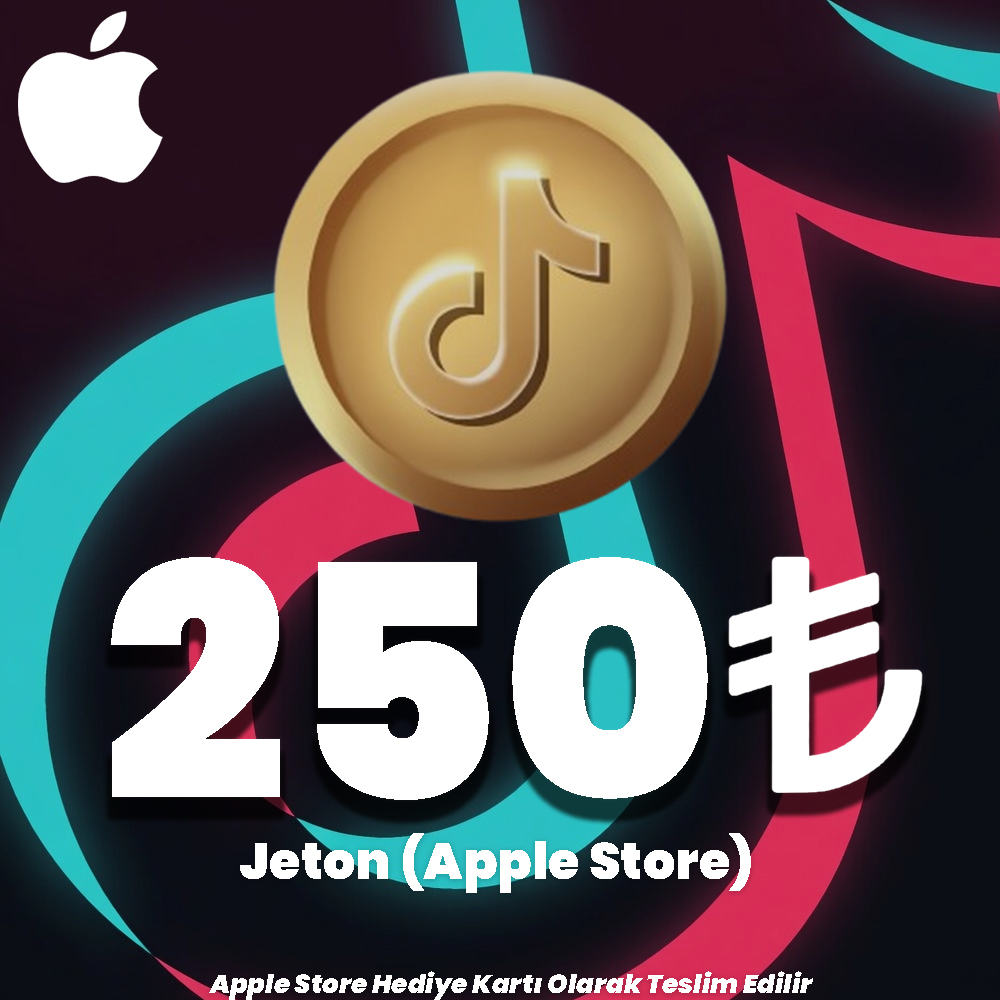
TikTok Apple Store 250 TL Jeton 250 TL Tutarında App Store & iTunes Hediye Kartı olarak teslim edilir. | 259.53 TL | 259.53 TL | Add to Cart | ||
|
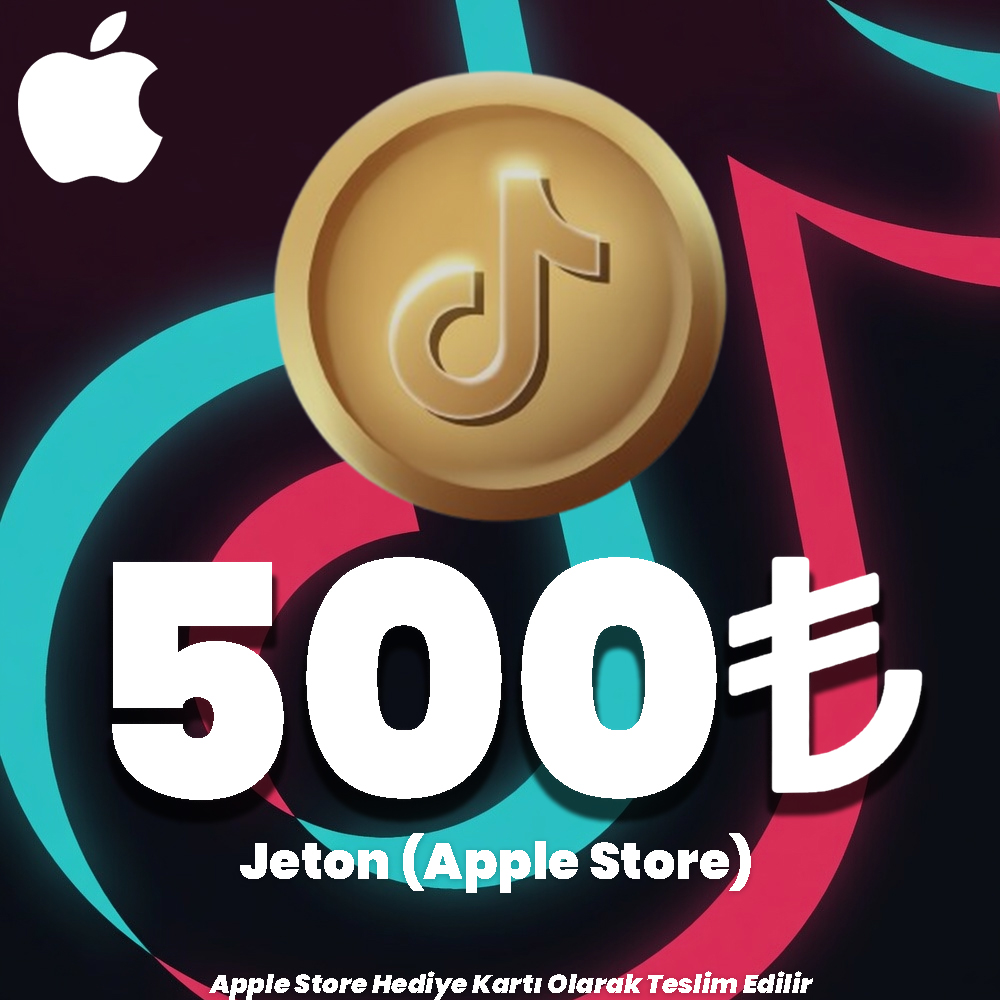
TikTok Apple Store 500 TL Jeton 500 TL Tutarında App Store & iTunes Hediye Kartı olarak teslim edilir. | 519.05 TL | 519.05 TL | Add to Cart | ||
|
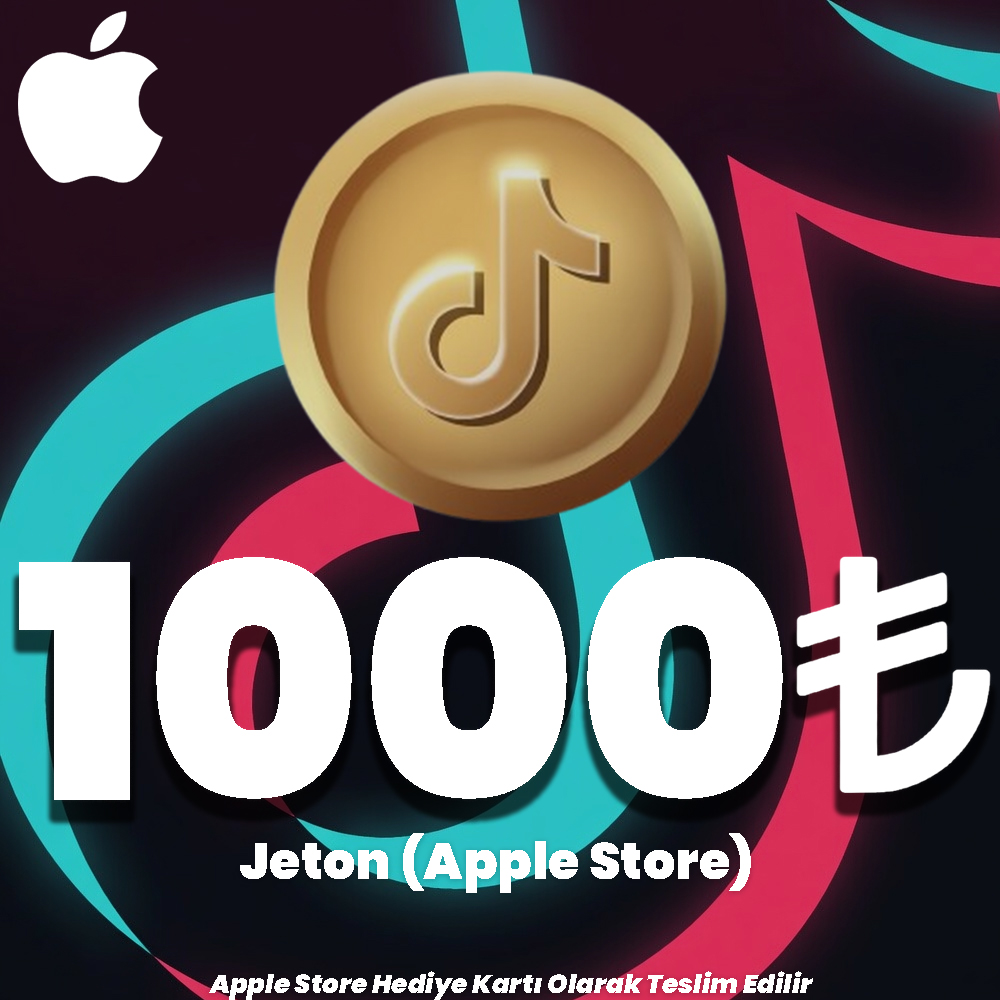
TikTok Apple Store 1000 TL Jeton 1000 TL Tutarında App Store & iTunes Hediye Kartı olarak teslim edilir. | 1029.00 TL | 1029.00 TL | Add to Cart | ||

|
TikTok Google Play 25 TL Jeton 25 TL Tutarında Google Play Bakiye Kodu Olarak Teslim Edilir. | 26.67 TL | 26.67 TL | Add to Cart | ||

|
TikTok Google Play 50 TL Jeton 50 TL Tutarında Google Play Bakiye Kodu Olarak Teslim Edilir. | 53.34 TL | 53.34 TL | Add to Cart | ||

|
TikTok Google Play 100 TL Jeton 100 TL Tutarında Google Play Bakiye Kodu Olarak Teslim Edilir. | 106.67 TL | 106.67 TL | Add to Cart | ||

|
TikTok Google Play 250 TL Jeton 250 TL Tutarında Google Play Bakiye Kodu Olarak Teslim Edilir. | 266.67 TL | 266.67 TL | Add to Cart | ||
|
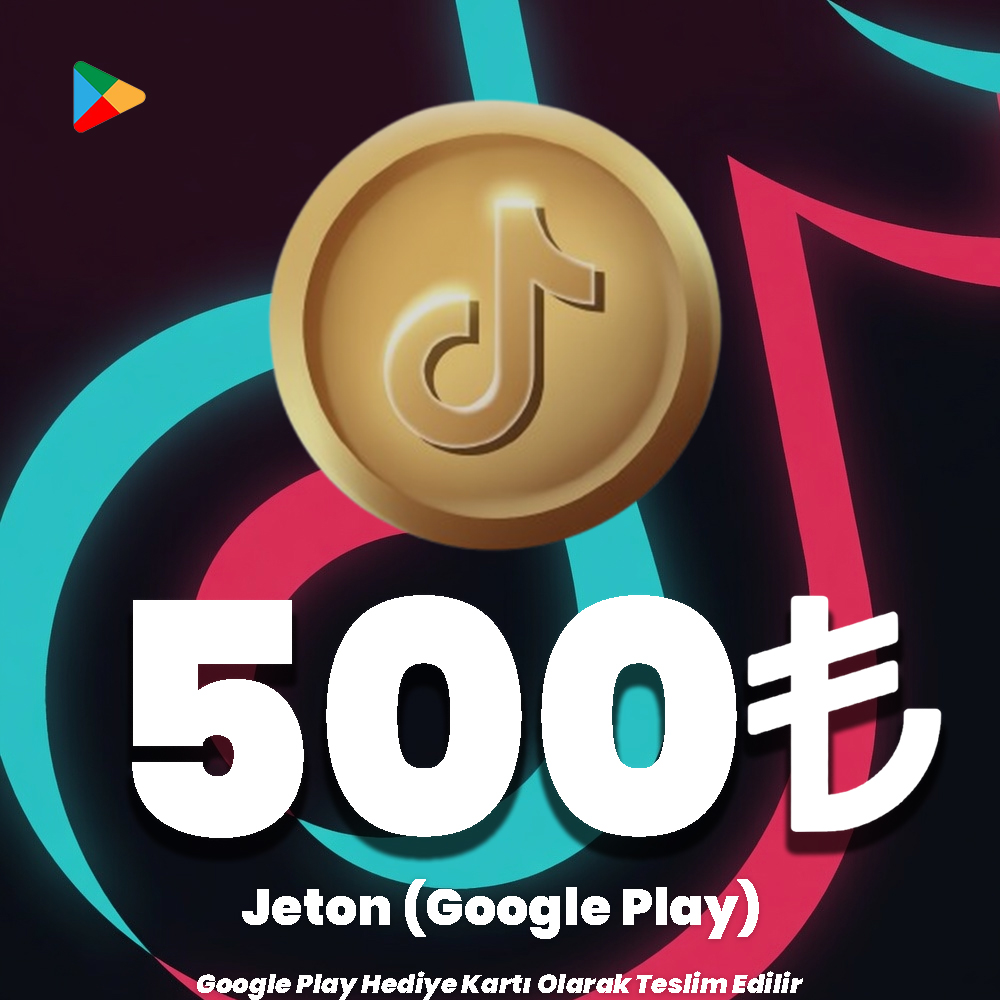
TikTok Google Play 500 TL Jeton 500 TL Tutarında Google Play Bakiye Kodu Olarak Teslim Edilir. | 533.34 TL | 533.34 TL | Add to Cart | ||

|
TikTok Google Play 1000 TL Jeton 1000 TL Tutarında Google Play Bakiye Kodu Olarak Teslim Edilir. | 1066.67 TL | 1066.67 TL | Add to Cart |
TikTok Jeton

Check your device and region first
Check the card country, currency and store account region. Confirm that your chosen balance is accepted in TikTok’s checkout. Coin and Gift features have age and country requirements; users in Türkiye must be at least 18.
TikTok Coin frequently asked questions
Will redeeming a code automatically add Coins?
No. Products currently listed provide store credit. After redemption, a separate eligible Coin purchase in TikTok is required.
Can I use a Google Play code on an iPhone?
Google Play credit is not Apple Account balance. Consider an Apple store product compatible with your region for iOS in-app payments.
How many Coins will I receive?
A store card amount does not guarantee a fixed Coin quantity. Package pricing, platform and offers can change; check TikTok for the current value.
24/7 live support
For product selection, order or redemption questions, contact our team through the live support area on our website. Never share your password or sign-in verification codes.

Information
The reviews in this area are real evaluation comments made by real users who have purchased these products.

✨ How to Use TikTok Coin Codes (App Store / Google Play)?
With the App Store or Google Play codes you purchased on Hipopotamya.com, you can top up your store balance and easily load TikTok Coins into your TikTok account.
📌 Top-Up Steps
View Your Code in Your Hipopotamya Account
Log in to your Hipopotamya.com account. Copy the App Store or Google Play gift card code you purchased from the "My Orders" section.
Redeem the Gift Code in the Store
Follow the steps below according to the mobile operating system you use to add the balance to your account:
📱 iPhone / iPad (App Store)
- Open the App Store app.
- Tap your Profile Icon in the top right.
- Select "Redeem Gift Card or Code".
- Paste your code and confirm. Your balance will be added to your account.
🤖 Android (Google Play Store)
- Open the Google Play Store app.
- Tap your profile icon.
- Go to "Payments & subscriptions" → "Redeem code".
- Enter your code and confirm. Your Google Play balance will be topped up.
Purchase Coins Inside TikTok
Open the TikTok app and go to Profile → ☰ Menu → Settings and privacy → Balance → "Get Coins". Select your desired package and complete the payment using your App Store or Google Play balance.
Support Streamers in Live Streams
When you join any TikTok live stream, you can tap the 🎁 Gift icon at the bottom of the screen to send gifts to your favorite content creators.

⚡ Advantages of Buying from Hipopotamya
🎉 Enjoy the streams! Start supporting your favorite content creators right away with Hipopotamya.com.
I'm Sorry!
Be the first to review!