


E-Pin Ürünleri
| Product Name | Stock | Unit Price | Quantity | Price | Order | |
|---|---|---|---|---|---|---|
|
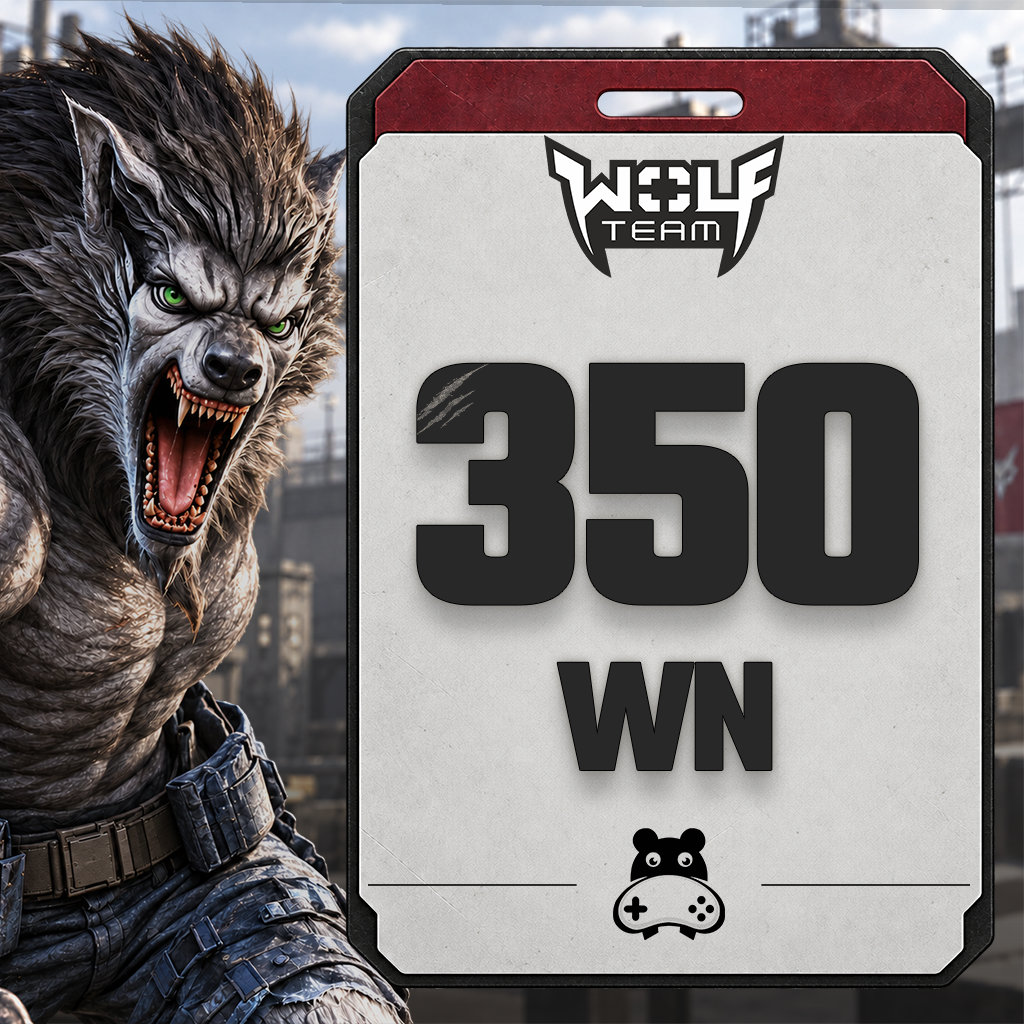
350 WolfTeam Nakit WN 1.000 JoyPara epin kodu olarak teslim edilir. | 11.43 TL | 11.43 TL | Add to Cart | ||
|
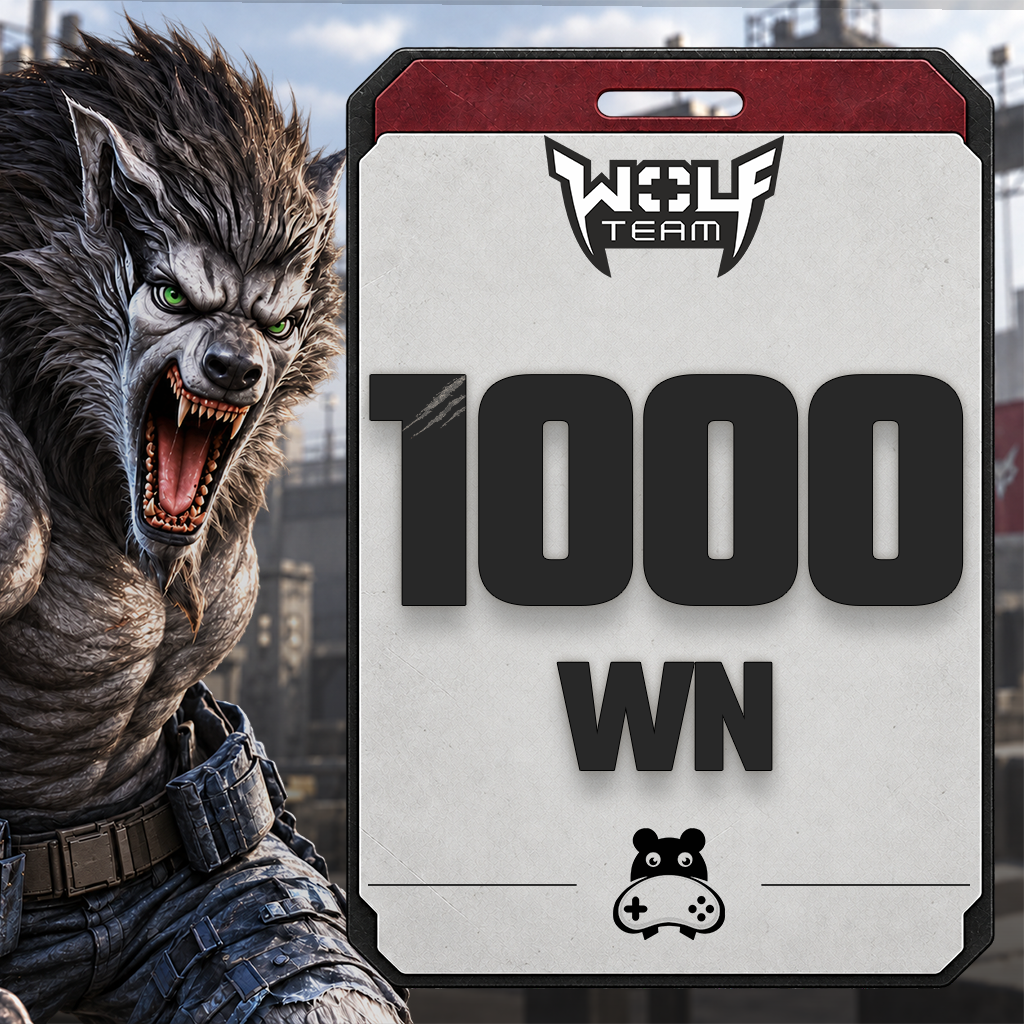
1.000 WolfTeam Nakit WN 2.750 JoyPara epin kodu olarak teslim edilir. | 30.68 TL | 30.68 TL | Add to Cart | ||
|
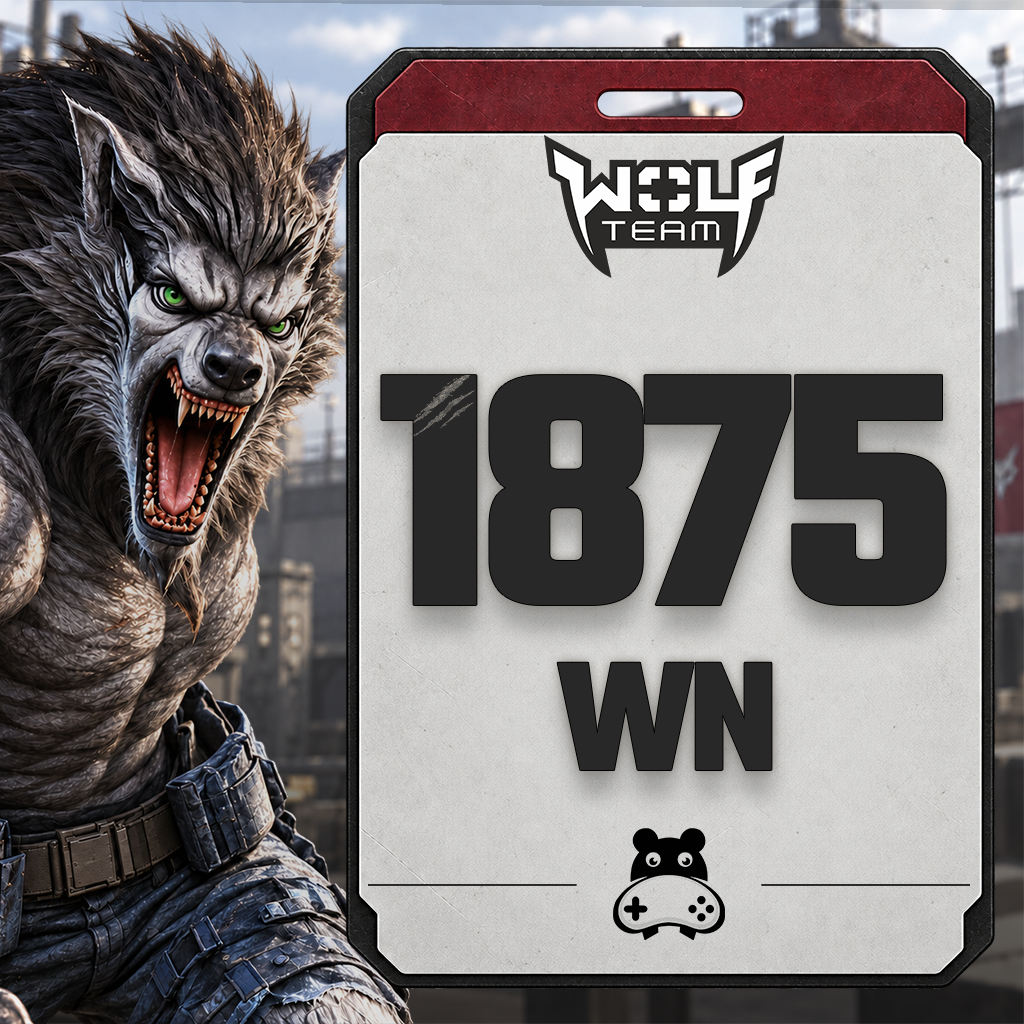
1.875 WolfTeam Nakit WN 5.000 JoyPara epin kodu olarak teslim edilir. | 56.54 TL | 56.54 TL | Add to Cart | ||
|
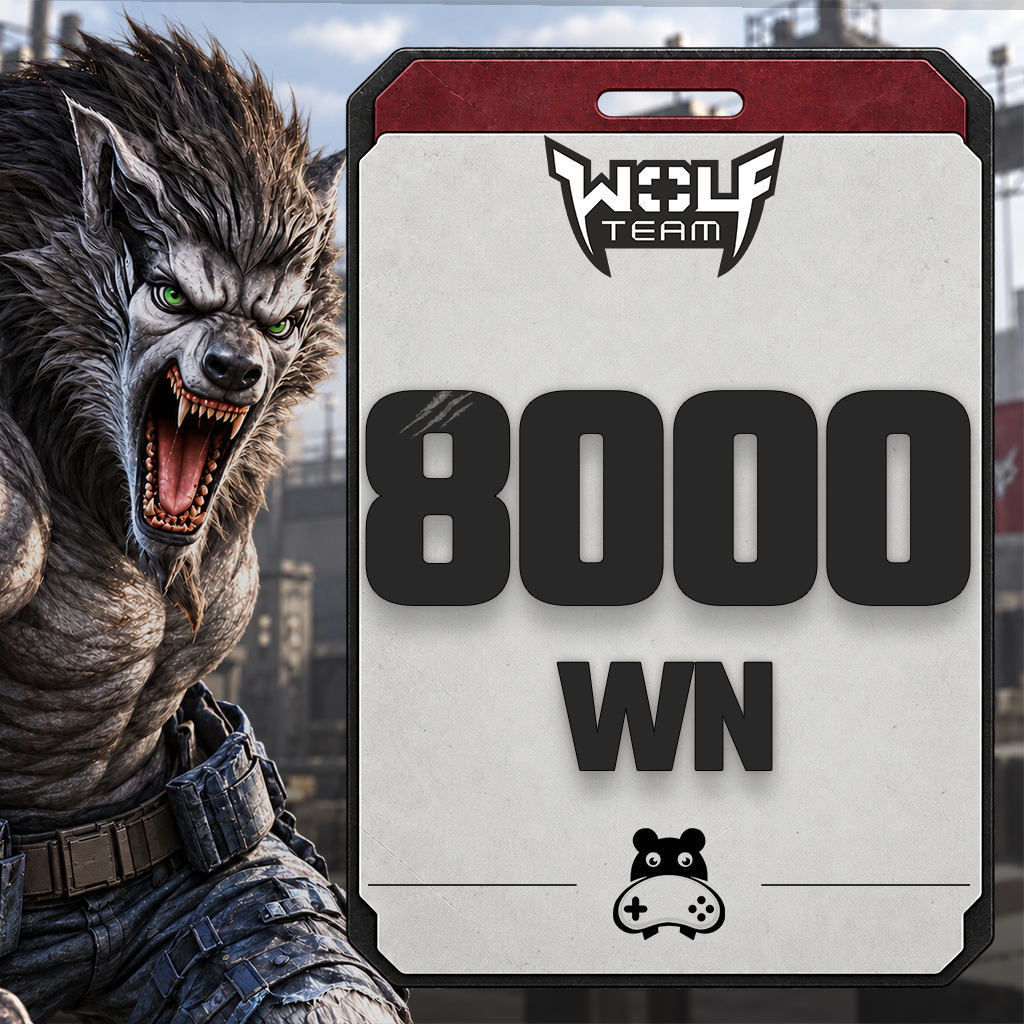
8.000 Wolfteam Cash 20,000 JoyPara is delivered as an e-PIN code. | 225.02 TL | 225.02 TL | Add to Cart | ||
|
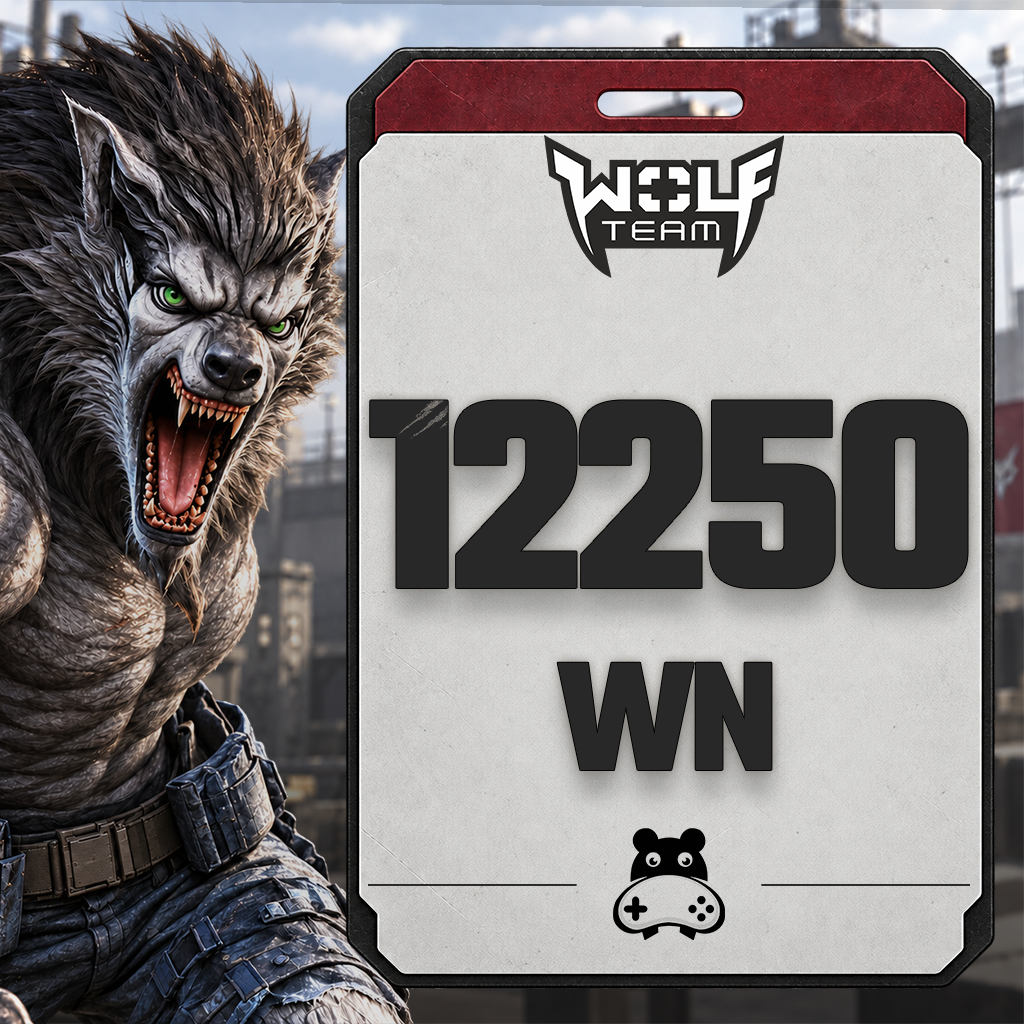
12.250 WolfTeam Cash 30.000 JoyPara is delivered as an e-PIN code. | 330.91 TL | 330.91 TL | Add to Cart | ||
|
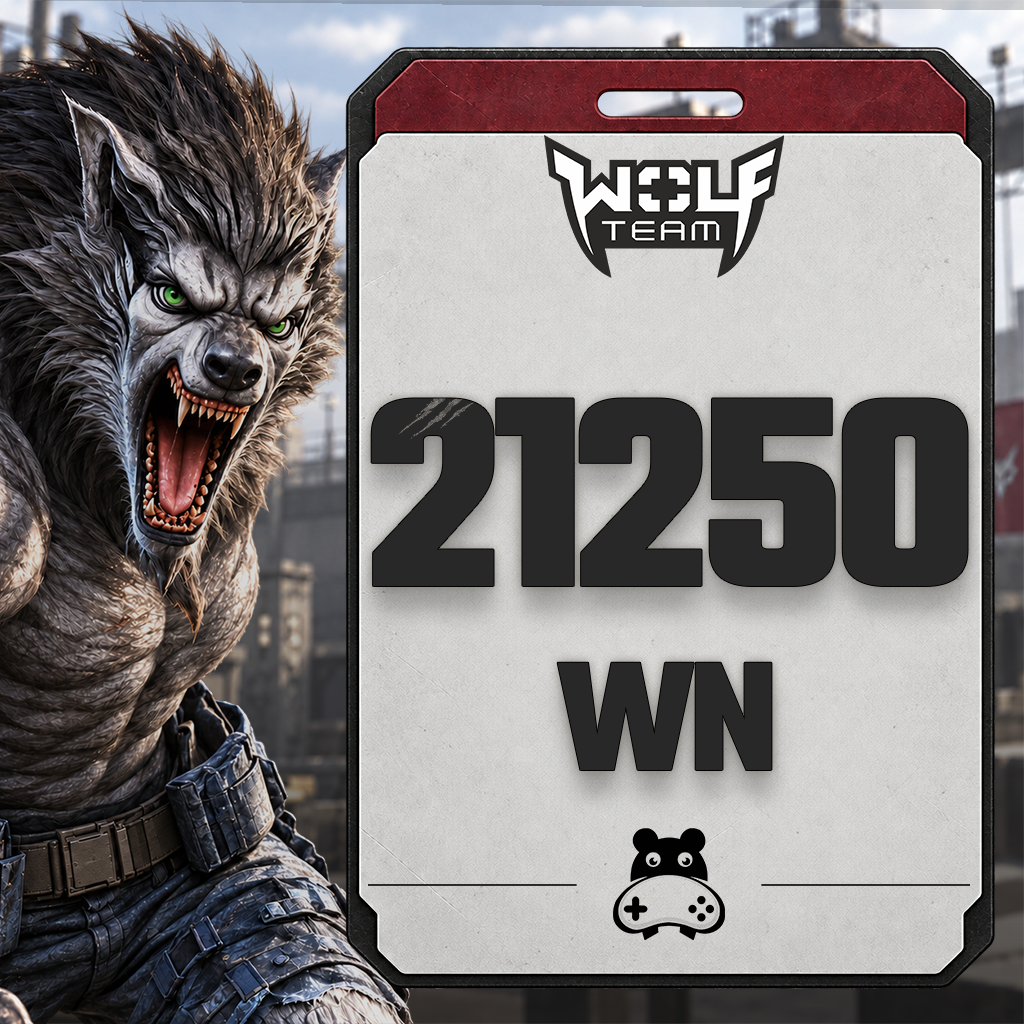
21.250 Wolfteam Cash 50,000 JoyPara is delivered as an e-PIN code. | 555.92 TL | 555.92 TL | Add to Cart | ||
|
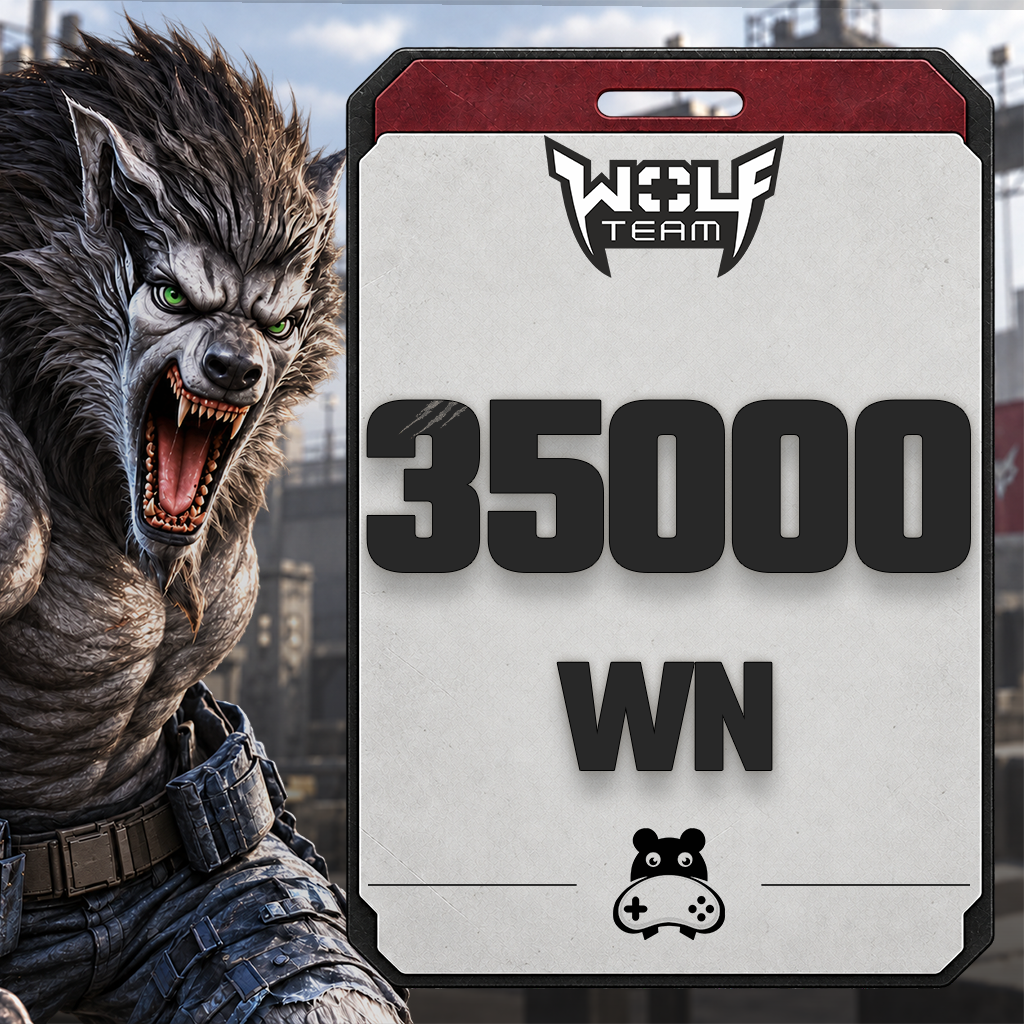
35.000 Wolfteam Cash 80.000 JoyPara is delivered as an e-PIN code. | 886.83 TL | 886.83 TL | Add to Cart | ||
|
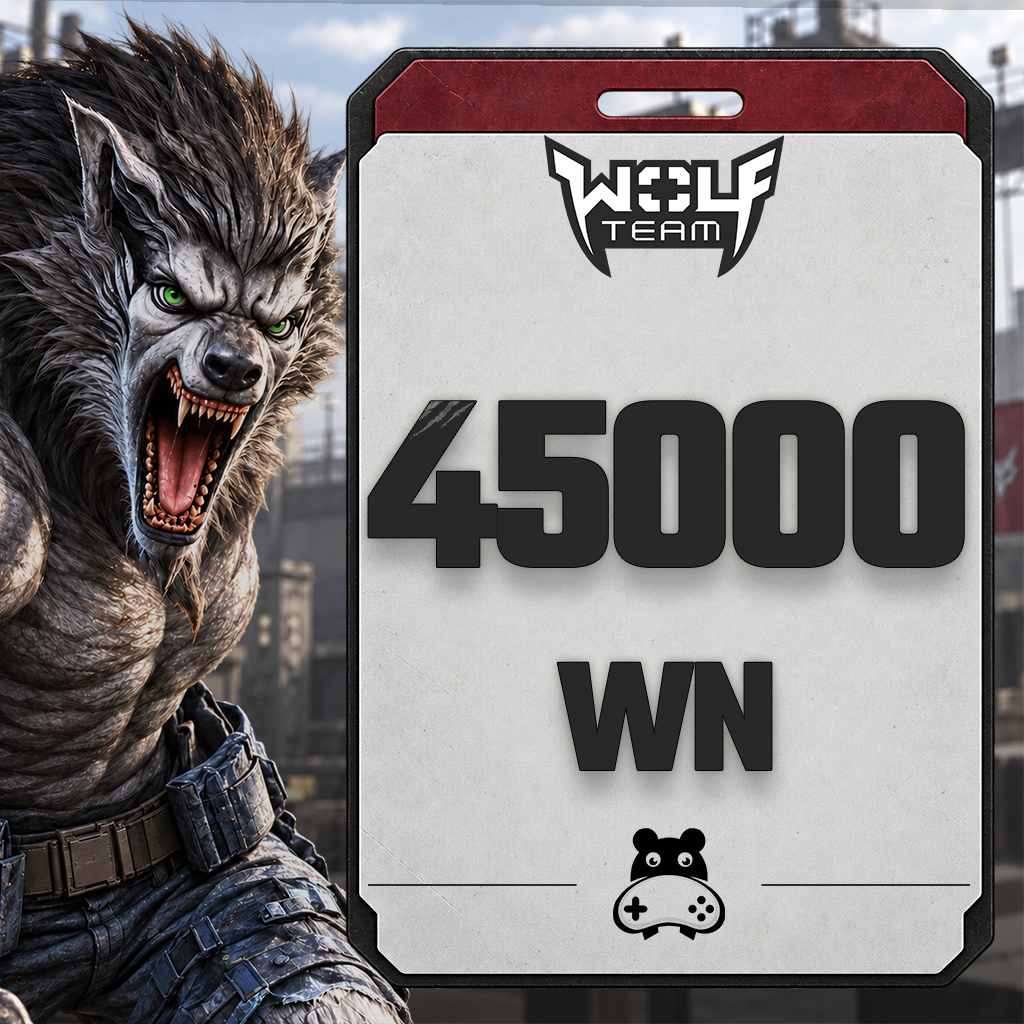
45.000 Wolfteam Cash 100.000 JoyPara is delivered as an e-PIN code. | 1098.62 TL | 1098.62 TL | Add to Cart |
WolfTeam
What is Wolfteam, and how do you start playing?
Wolfteam is an online FPS developed by Softnyx and first released in 2007. Its Turkish service is offered through Joygame. Human form focuses on firearms, while wolf form emphasizes close-range attacks. Room rules, map knowledge and teamwork shape how you approach a match.
To get started, use the download and account options on Joygame’s official Wolfteam website. Install the game, sign in, and check the room rules and controls. Wolfteam is free to play; Cash is used to purchase content offered for Cash in the shop.
Objectives in Wolfteam game modes
The summaries below describe core mechanics documented in Softnyx’s official mode guides. Check the current in-game options for modes, variants and room rules available in the Joygame version.
- Deathmatch: Defeat opponents to increase your team’s kill score.
- Destruction: Plant a bomb, defend the target area or defuse the bomb.
- Ice Hold: Eliminate the opposing team while surviving players help bring fallen teammates back into the fight.
- Conquest: Capture and control bases on the map.
Frequently asked questions about this Wolfteam category
Where can I check Wolfteam Cash prices?
Check the product list in this category for current selling prices, package amounts and stock details. Use the current information for your chosen product rather than treating a price in a guide as fixed.
Are Wolfteam Cash and Joypara the same?
No. JP refers to the balance added to your Joygame account, while WN refers to the Cash used in Wolfteam. Check the delivered JP amount and the stated WN equivalent separately in the e-pin product details.
What should I check before purchasing?
Check the code type, region, delivered Joypara amount and Wolfteam Cash equivalent. If you purchased a code for another platform, follow its own guide rather than the Joypara instructions.
24/7 live support
For questions about your order or redeeming your code, contact our team through the live support area on our website.

Information
The reviews in this area are real evaluation comments made by real users who have purchased these products.

Redeeming your code adds Joypara (JP) to your account. To use this balance in Wolfteam, you must also complete the JP Çevir conversion.
Before you redeem your code
- This guide applies to Joypara e-pins for Joygame Turkey. If you purchased a Razer Gold code or a code for another platform, follow the instructions for that specific product.
- If a provider selection is required: Choose the provider associated with your code. If your order does not include provider details, contact Hipopotamya support before making a selection.
- Joypara and Wolfteam Cash amounts are not the same. Check the corresponding Cash amount on the conversion screen.
- Do not add spaces before or after your code when copying it. Never share your code or account password publicly.
Frequently asked questions
My Joypara was added, but my Wolfteam Cash is missing. What should I do?
Check that you completed JP Çevir for Wolfteam and are using the same Joygame account in the game. If your Cash is still missing after signing out and back in, contact support with your transaction details.
My Wolfteam e-pin code returns an error. What should I do?
Check that you entered the full code in the E-Pin field without extra spaces. If the error persists, contact Hipopotamya support with your order number and the error message. Hide your code in any screenshots you share.
24/7 live support
For questions about your order or redeeming your code, contact our team through the live support area on our website.
I'm Sorry!
Be the first to review!