HIPOPOTAMYA, A DIFFERENT UTOPIA IN THE GAME WORLD!

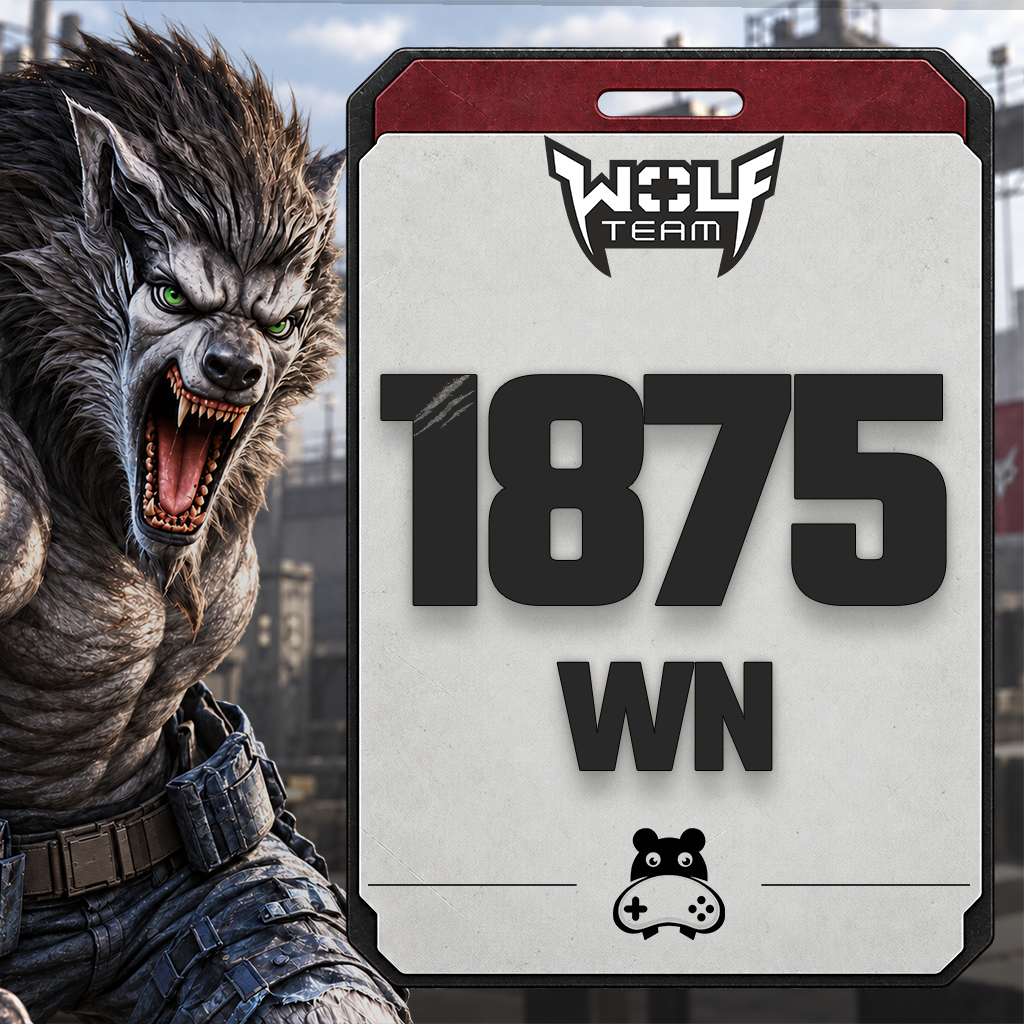
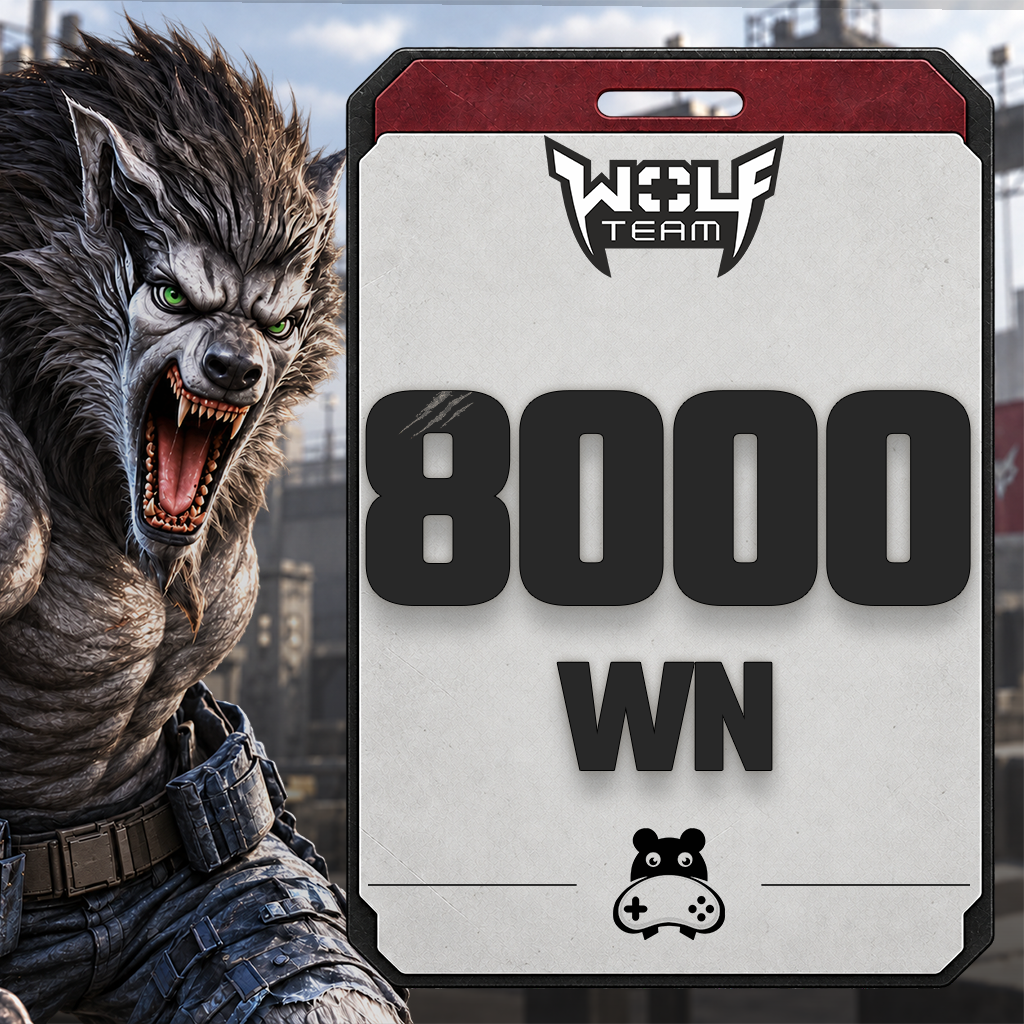
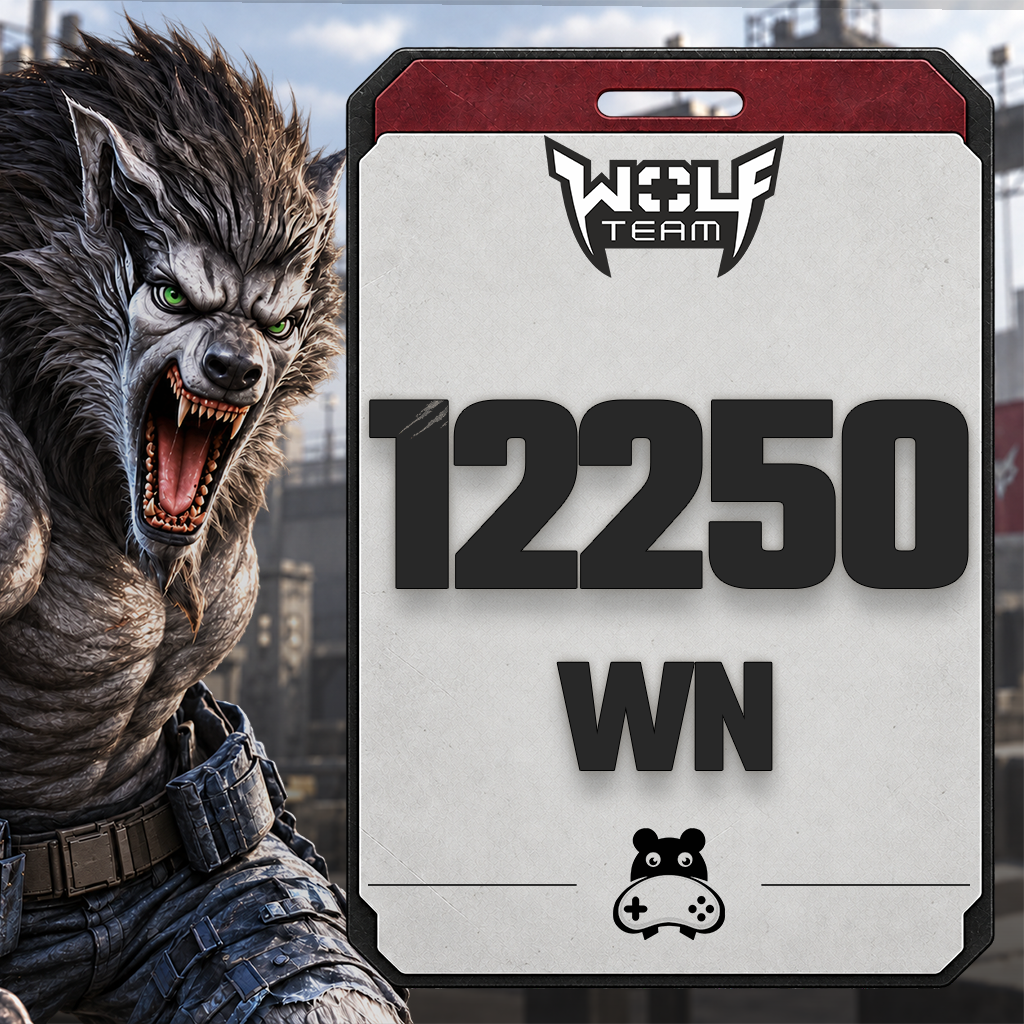
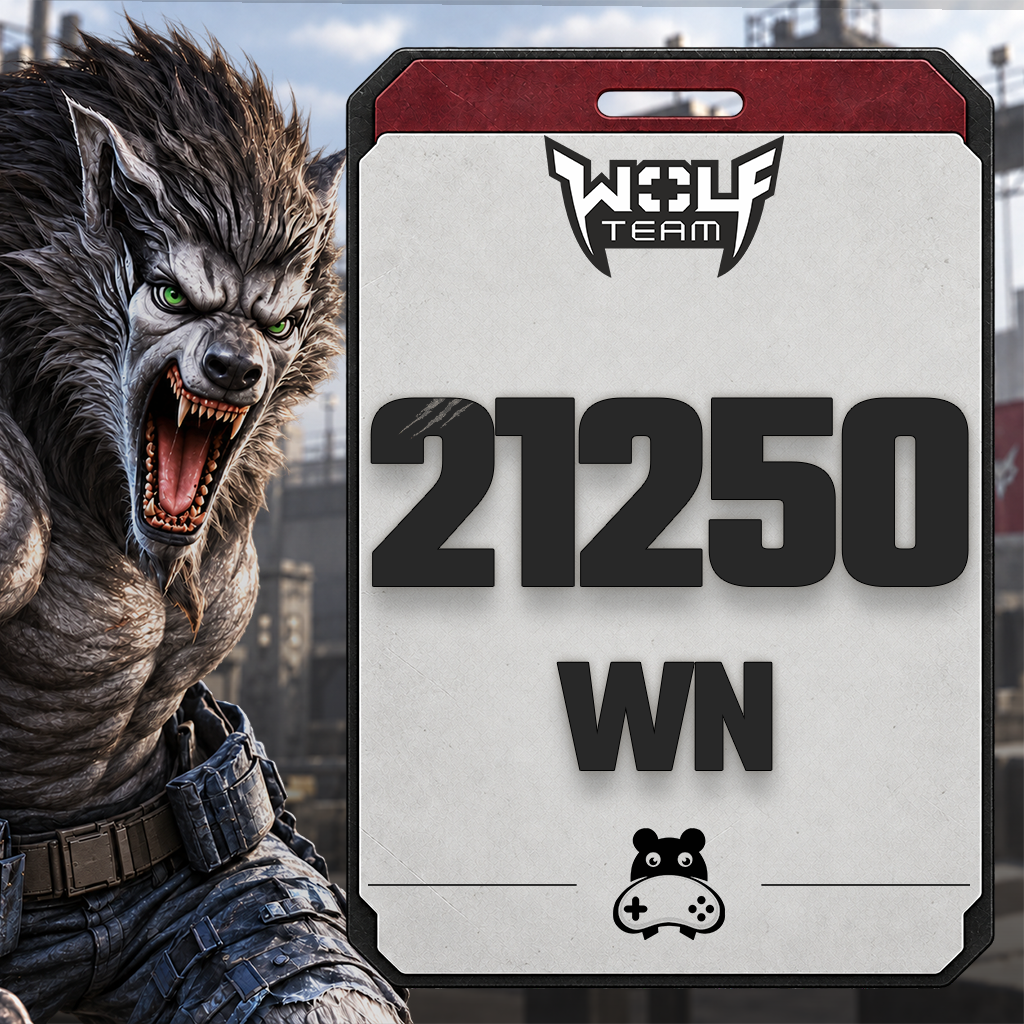
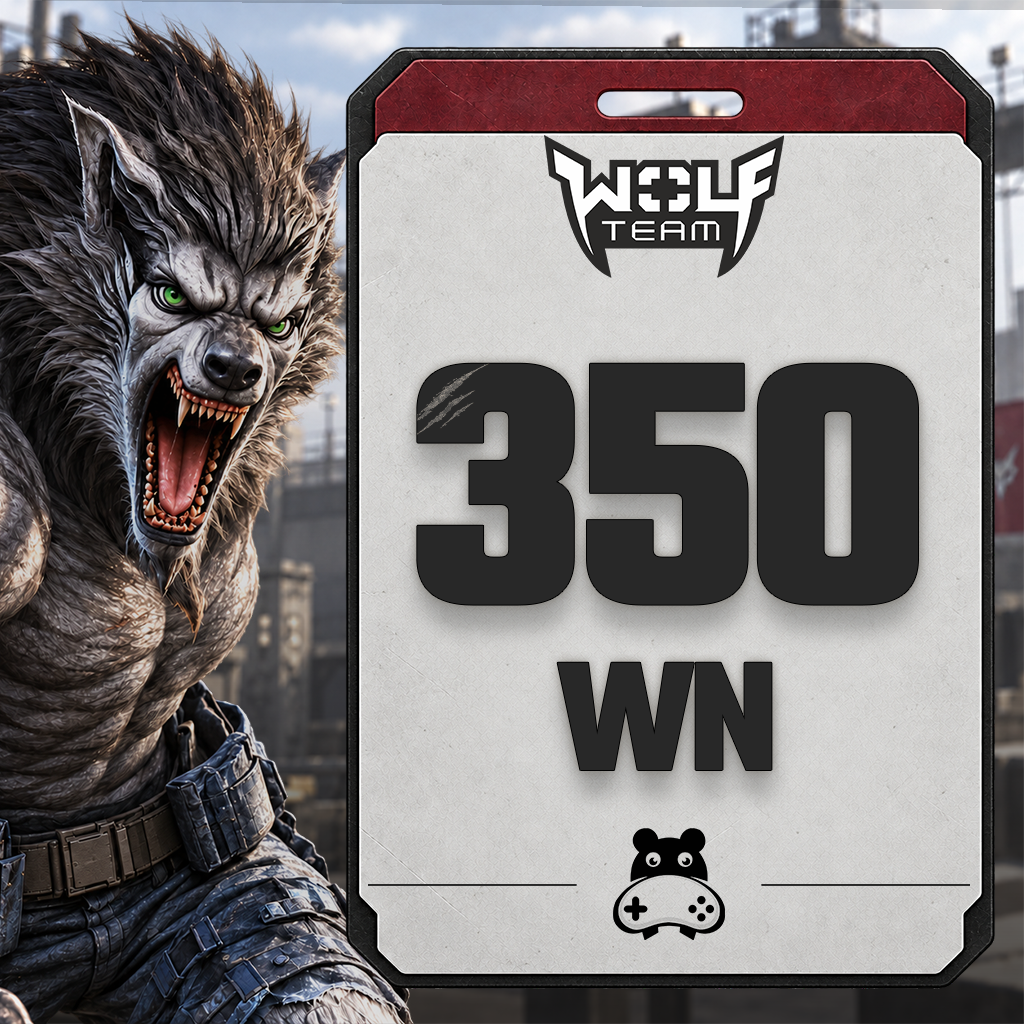
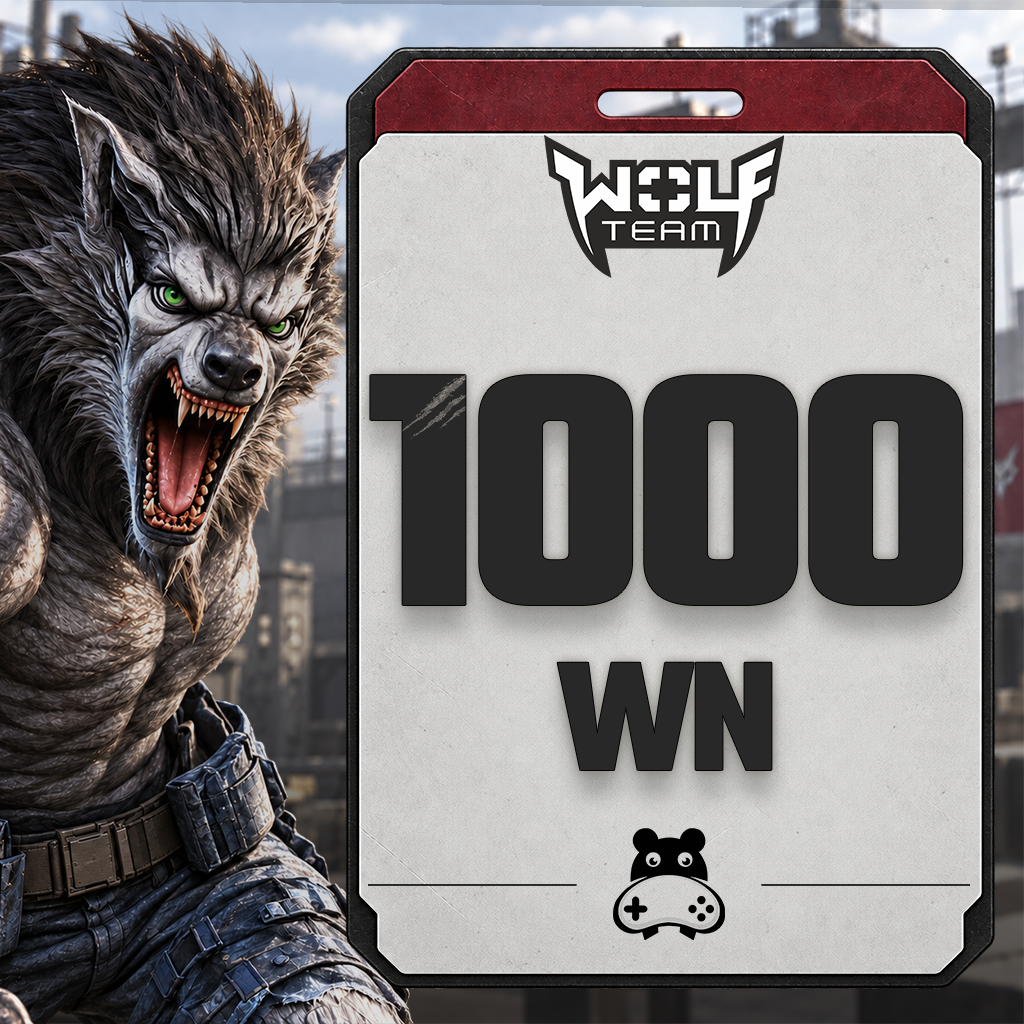
350 WolfTeam Nakit WN
350 WolfTeam Nakit WN

WolfTeam
Category: WolfTeam

11.43 TL
1.000 JoyPara epin kodu olarak teslim edilir.

What Is Wolfteam? What Is Wolfteam Cash (WN) Used For?

Wolfteam is an online FPS developed by Softnyx and offered in Turkey through Joygame. It combines the distinct combat styles of human and wolf forms. Wolfteam Cash (WN) is the balance used to purchase items offered for Cash in the in-game shop.

Fight in human and wolf forms

Use firearms to engage enemies at range in human form, or switch to close-range attacks in wolf form. The map layout, your opponent’s position and the selected game rules influence which approach works best. This transformation mechanic sets Wolfteam apart from conventional shooters.

Teamwork and different objectives

Wolfteam rewards more than aiming: coordinating with teammates and learning the map also matter. Match objectives depend on the selected mode. Check the room rules and available content to find a match that suits your play style.

What can you buy with Wolfteam Cash?

Use your Cash balance to explore weapons, characters and equipment offered for Cash in the in-game shop. Available items, prices and usage periods depend on the shop’s current selection. Check each item’s features and whether it is time-limited before buying.

Joypara and Wolfteam Cash: the difference

Joypara (JP) is the balance added to your Joygame account, while Wolfteam Cash is the balance used in the game. Redeeming a Joypara e-pin and converting that balance for Wolfteam are separate actions. Do not treat JP and WN amounts as identical; check the product details and the amount shown on the conversion screen.

What to check before buying Wolfteam Cash

When comparing Wolfteam Cash packages at Hipopotamya, check the Cash amount, code type and region as well as the price. The Joypara e-pin information in this description applies to Joygame Turkey; compatibility with other publishers or platforms should not be assumed. If you purchased another code type, such as Razer Gold, use that product’s description and redemption instructions.

For details on redeeming your Joypara code and completing JP Çevir (Convert JP), see the redemption instructions tab on the product page. This description introduces the game and the product; the step-by-step process is provided separately.

Frequently asked questions about Wolfteam

Do I need to buy Cash to play Wolfteam?

Wolfteam is free to play. Cash is used for items offered for Cash in the in-game shop; it is not a mandatory subscription fee required to start playing.

Which Wolfteam Cash package should I choose?

First check the current Cash price of the item you want in the in-game shop. Then compare the WN amounts in the available packages. Do not mistake the listed Joypara amount for the Cash amount.

Can I use these codes in every version of Wolfteam?

Do not assume that a Joypara e-pin offered for Joygame Turkey is compatible with accounts from other publishers or platforms. Compare the product’s region and platform details with your account before buying.

Visit the official Wolfteam website

24/7 live support

For questions about your order or redeeming your code, contact our team through the live support area on our website.

How to redeem your Wolfteam Cash e-pin

Redeem the Joypara e-pin purchased from Hipopotamya on your Joygame account, then convert your balance into Wolfteam Cash. Follow the steps below to use your code.

Redeeming your code adds Joypara (JP) to your account. To use this balance in Wolfteam, you must also complete the JP Çevir conversion.

  1. Find your e-pin code

    Open My Orders (Siparişlerim) in your Hipopotamya account. Copy the code delivered for your Wolfteam purchase and check the Joypara amount listed in the product details.

  2. Sign in to your Joygame account

    Open the official Wolfteam website and sign in with the Joygame account you use in the game. Make sure you are signed in to the correct account before redeeming your code.

  3. Redeem your code for Joypara

    Go to Joypara Yükle (Top Up Joypara), then open E-Pin / Epin Aktif Et (Activate E-Pin). Paste your code into the designated field and confirm using the on-screen button.

  4. Convert Joypara into Wolfteam Cash

    Once your code has been redeemed, open JP Çevir (Convert JP). Select Wolfteam and enter the amount of Joypara you want to convert. Check the displayed Cash amount before confirming.

  5. Check your Wolfteam Cash balance

    Sign in to Wolfteam to check your Cash balance. If the game was open during the top-up, sign out and sign back in to check again. Once the process is complete, you can spend your balance in the in-game shop.

Before you redeem your code

  • This guide applies to Joypara e-pins for Joygame Turkey. If you purchased a Razer Gold code or a code for another platform, follow the instructions for that specific product.
  • If a provider selection is required: Choose the provider associated with your code. If your order does not include provider details, contact Hipopotamya support before making a selection.
  • Joypara and Wolfteam Cash amounts are not the same. Check the corresponding Cash amount on the conversion screen.
  • Do not add spaces before or after your code when copying it. Never share your code or account password publicly.

Frequently asked questions

My Joypara was added, but my Wolfteam Cash is missing. What should I do?

Check that you completed JP Çevir for Wolfteam and are using the same Joygame account in the game. If your Cash is still missing after signing out and back in, contact support with your transaction details.

My Wolfteam e-pin code returns an error. What should I do?

Check that you entered the full code in the E-Pin field without extra spaces. If the error persists, contact Hipopotamya support with your order number and the error message. Hide your code in any screenshots you share.

24/7 live support

For questions about your order or redeeming your code, contact our team through the live support area on our website.

0

Average Rating

0%Satisfaction (0 / 0)
0%
0%
0%
0%
0%

Information

The reviews in this area are real evaluation comments made by real users who have purchased these products.

Yükleniyor...

I'm Sorry!

Be the first to review!

Birlikte Alınanlar

Your stock requests will be supplied with priority and you will be informed.

Forgot your password?

Your personal data will be used to improve your experience on Hipopotamya, manage access to your account and for other purposes described below.

Do you want to become a dealer?

Log in using your social media account