


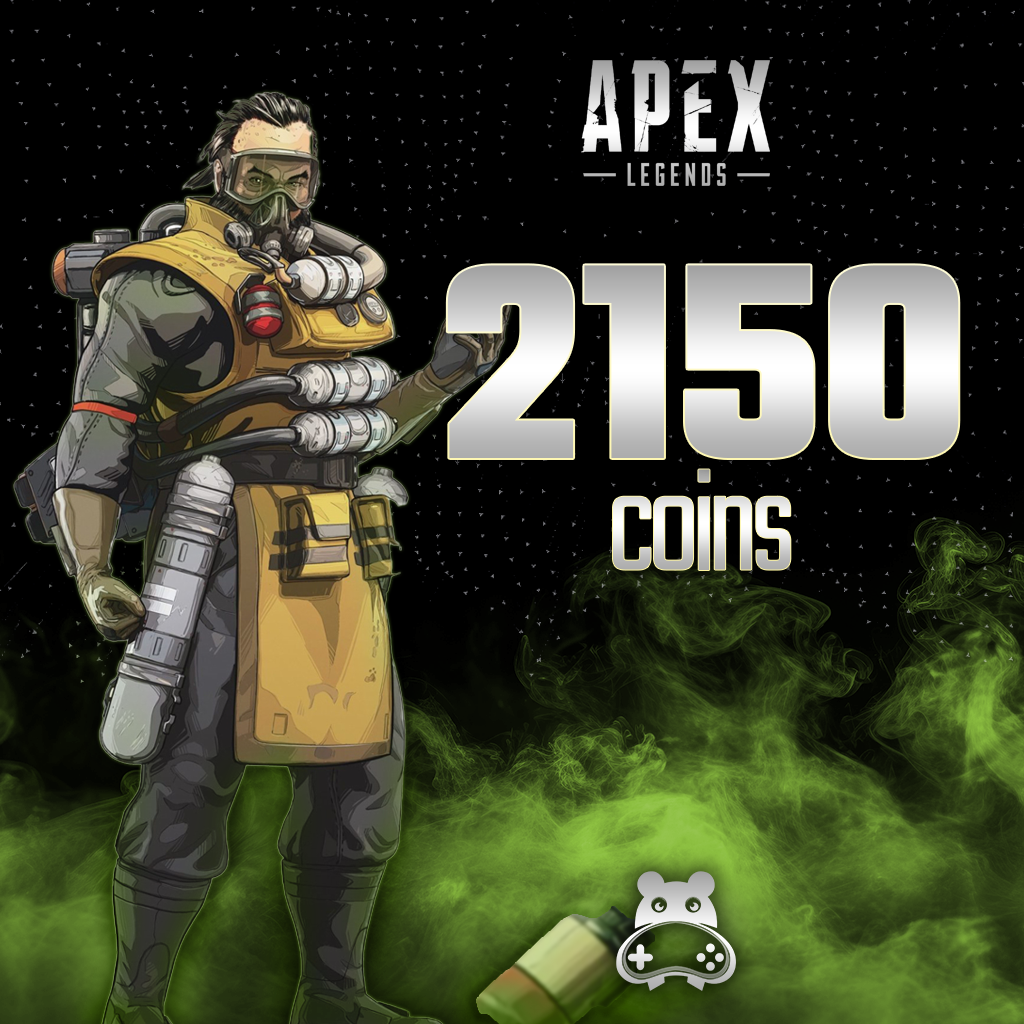
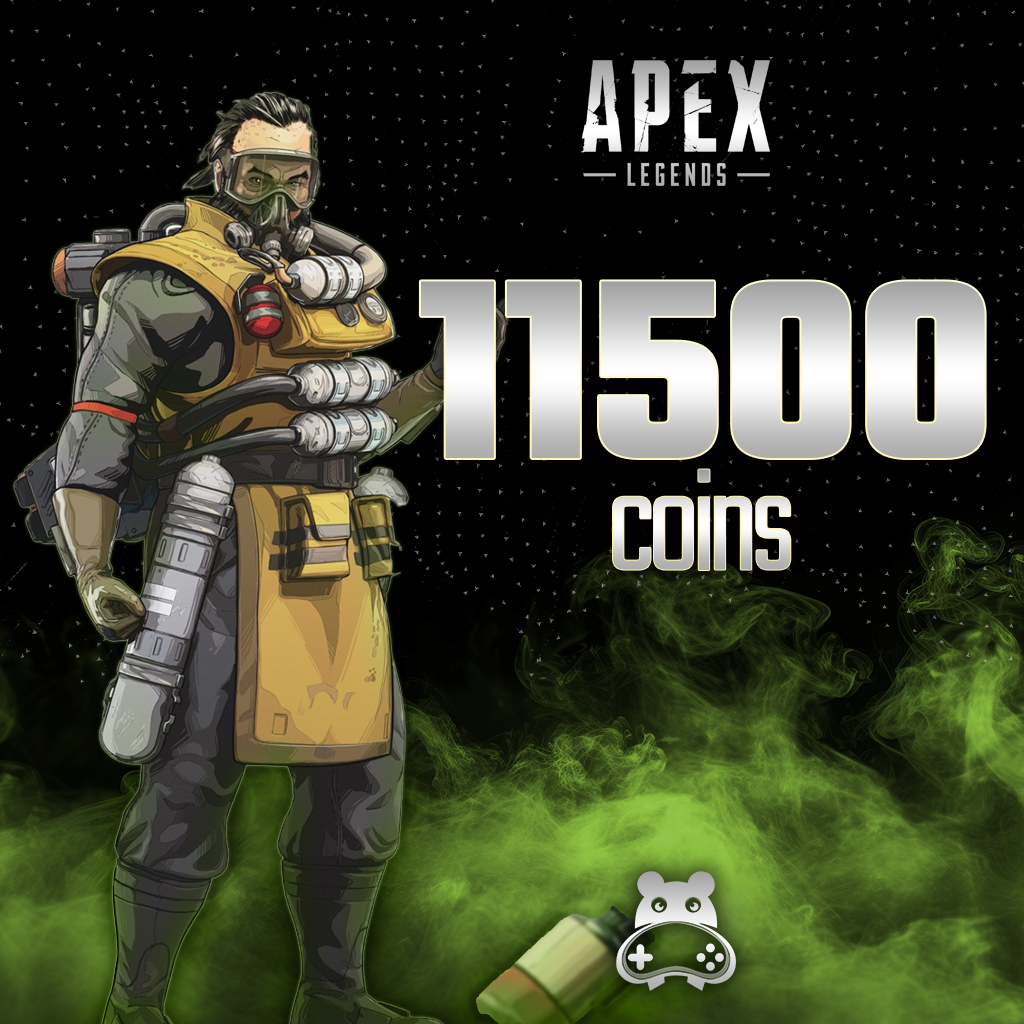
Apex Legends - 2150 Coins


Product questions
Will Coins guarantee wins?
No. Purchasing store content does not guarantee match results or player skill.
Does every Apex code work across platforms?
No. Cross Progression and a code’s redemption platform are different matters. Check product and account compatibility.
24/7 live support
For product and order questions, contact our team through the live support area on our website.
How to Top Up Apex Legends (AL-Coin)?
You can follow the steps below to purchase Apex Legends Coins and top up your account.
In-Game Store: After logging into Apex Legends, access the in-game store by selecting "Store" or "Mağaza" from the main menu.
Review Coin Packages: Browse the available Apex Legends Coin packages of various amounts in the store and choose the one that best suits your budget and needs.
Purchase and Payment Details: After selecting your preferred package, proceed to purchase. Enter the required payment details to complete the secure payment process.

Confirmation and Top-Up: A confirmation screen will appear after the payment process is completed. Your Apex Legends Coins will be automatically credited to your account and become immediately available for use in the in-game store.
💻 Apex Legends PC System Requirements
❓ Frequently Asked Questions
Q: When will my purchased Apex Coins be credited to my account?
A: Immediately after completing the top-up process and payment, your coins will be reflected in your EA / platform account instantly.
Q: What can I purchase with Apex Coins?
A: You can purchase the Battle Pass, legendary character outfits (Skins), weapon skins, Apex Packs, and special event items from the in-game store.
Information
The reviews in this area are real evaluation comments made by real users who have purchased these products.


I'm Sorry!
Be the first to review!