


E-Pin Ürünleri
| Product Name | Stock | Unit Price | Quantity | Price | Order | |
|---|---|---|---|---|---|---|
|
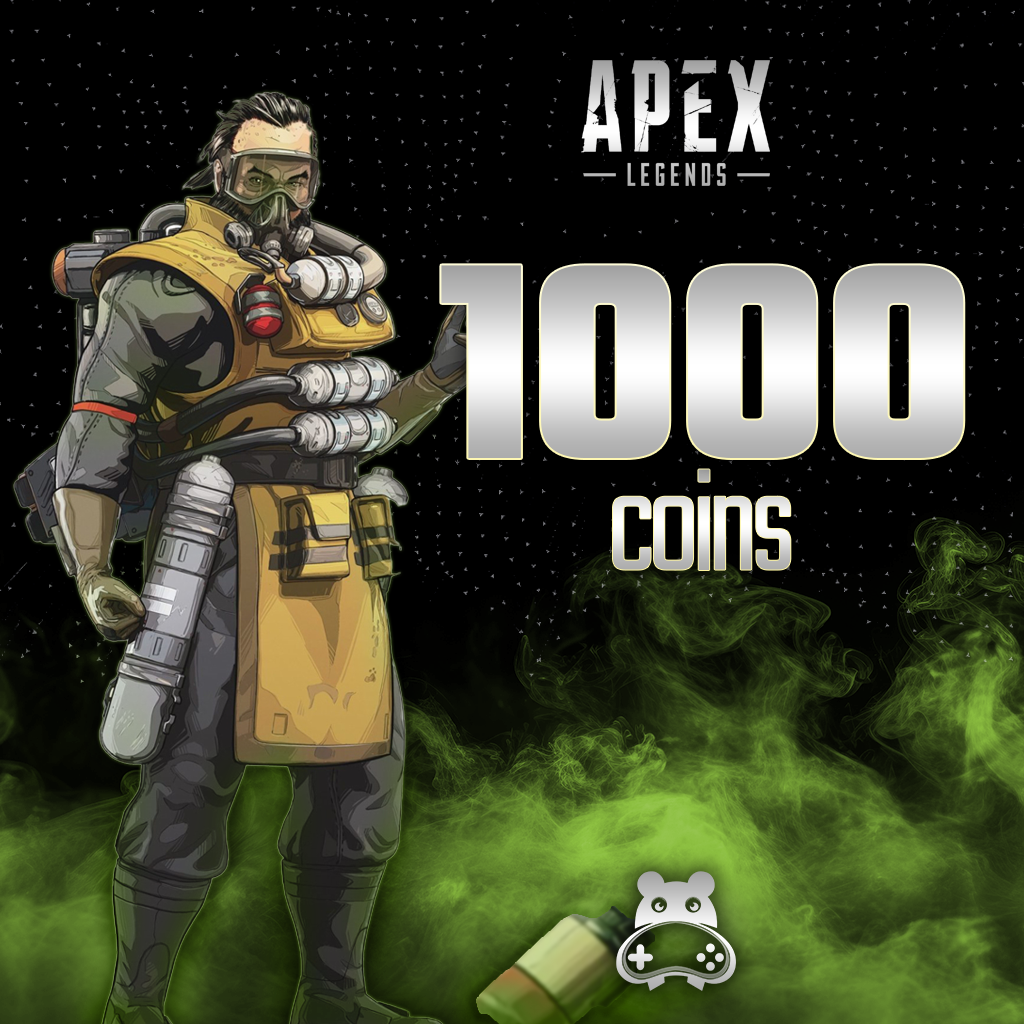
Apex Legends - 1000 Coins You can buy 1000 Apex Coins and load them into your Apex Legends account. Apex Coins allow you to buy new items and skins for your character and weapons in the store in Apex Legends. | 636.67 TL | 636.67 TL | Notify when stock available | ||
|
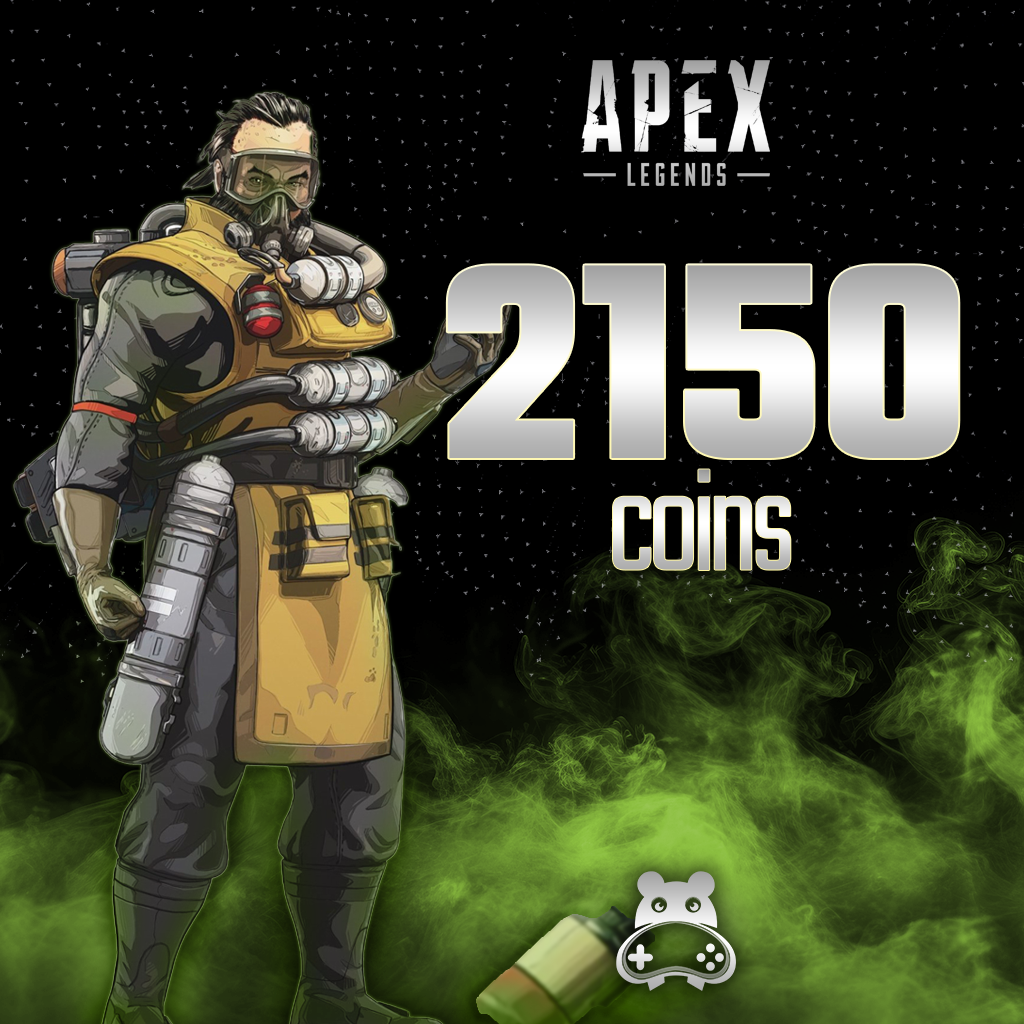
Apex Legends - 2150 Coins You can buy 2150 Apex Coins and load them into your Apex Legends account. Apex Coins allow you to buy new items and skins for your character and weapons in the store in Apex Legends. | 1364.37 TL | 1364.37 TL | Notify when stock available | ||
|
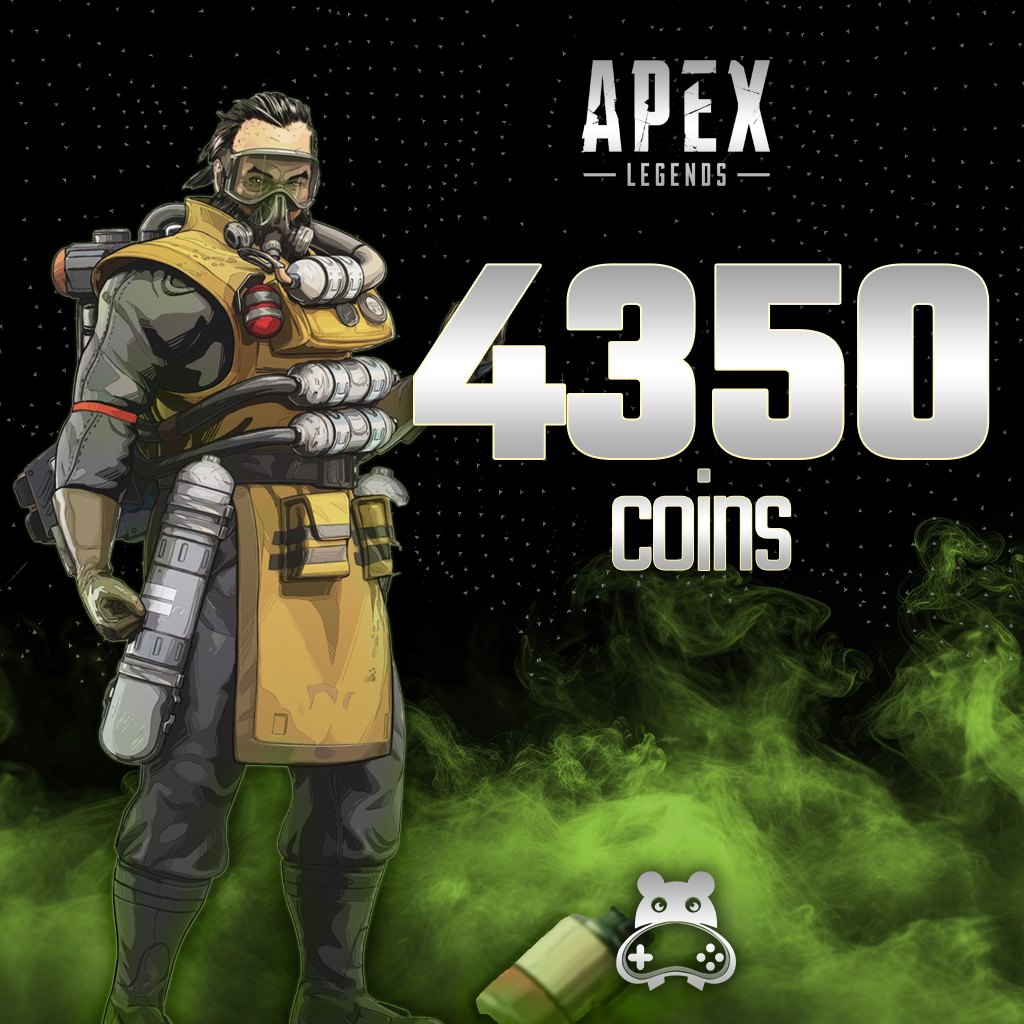
Apex Legends - 4350 Coins You can buy 4350 Apex Coins and load them into your Apex Legends account. Apex Coins allow you to buy new items and skins for your character and weapons in the store in Apex Legends. | 2454.65 TL | 2454.65 TL | Notify when stock available | ||
|
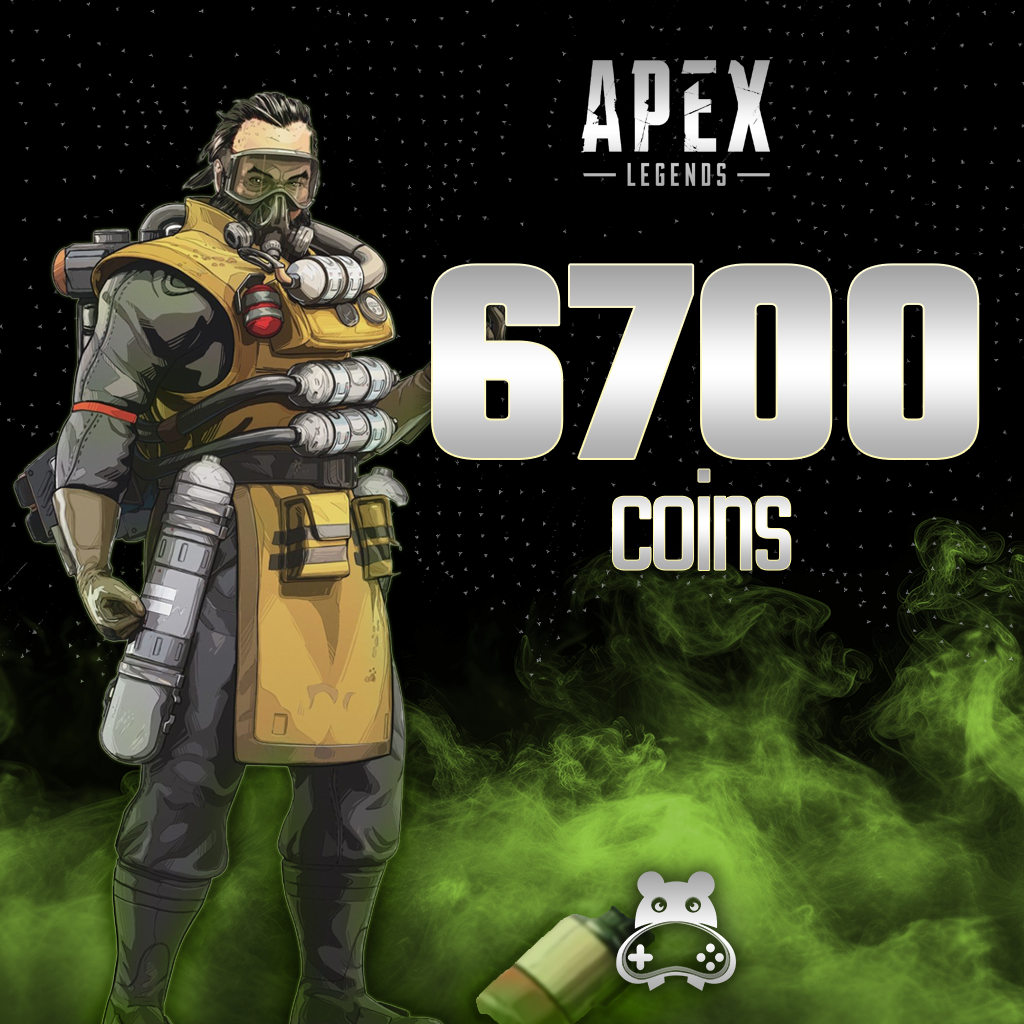
Apex Legends - 6700 Coins You can buy 6700 Apex Coins and load them into your Apex Legends account. Apex Coins allow you to buy new items and skins for your character and weapons in the store in Apex Legends. | 3180.30 TL | 3180.30 TL | Notify when stock available | ||
|
Apex Legends - 11500 Coins You can buy 11500 Apex Coins and load them into your Apex Legends account. Apex Coins allow you to buy new items and skins for your character and weapons in the store in Apex Legends. | 5464.60 TL | 5464.60 TL | Notify when stock available |
Apex Legends

What can you expect in Apex Legends?
- Squad and Legend synergy: Consider your character’s abilities alongside your squad’s plan. Use the ping system to share targets, enemies and equipment, and move together.
- Current game modes: Core includes Ranked and Unranked, while Freestyle offers options such as Wildcard and Mixtape. Rules and squad arrangements vary by mode; not every match follows the same battle royale format.
- Practice and improvement: Try weapons and Legends in the Firing Range. Map rotations and limited-time events can change, so check the current game menu and official announcements.
Before buying Apex Coins
Compare the current coin price of your chosen content with your existing balance. Review the package’s total amount, any bonus, stock status and delivery information together. Verify the correct EA account and redemption platform: cross-progression does not make every code redeemable everywhere. Never share your code or account password. Follow the instructions for the product you choose.
Frequently asked questions about Apex Legends and Apex Coins
Do I need to buy coins to play Apex Legends?
No. The base game is free; Apex Coins are used for optional purchases. You do not need a coin package to start playing.
Are Apex Coins the same as the other in-game currencies?
No. Legend Tokens, Crafting Metals and Exotic Shards are different currencies. Check which one your chosen content requires; do not treat them as your Apex Coins balance.
I redeemed a code but cannot see my coins. What should I do?
Check the correct EA account and restart the game. If you play through Steam or redeemed content is missing, try launching through the EA app. If the issue continues, contact support with your order details and conceal the code in screenshots.
24/7 live support
For questions about a package amount, platform compatibility or a delivered code, contact our team through the live support area on our website.

Information
The reviews in this area are real evaluation comments made by real users who have purchased these products.

How to Top Up Apex Legends (AL-Coin)?
You can follow the steps below to purchase Apex Legends Coins and top up your account.
In-Game Store: After logging into Apex Legends, access the in-game store by selecting "Store" or "Mağaza" from the main menu.
Review Coin Packages: Browse the available Apex Legends Coin packages of various amounts in the store and choose the one that best suits your budget and needs.
Purchase and Payment Details: After selecting your preferred package, proceed to purchase. Enter the required payment details to complete the secure payment process.

Confirmation and Top-Up: A confirmation screen will appear after the payment process is completed. Your Apex Legends Coins will be automatically credited to your account and become immediately available for use in the in-game store.
💻 Apex Legends PC System Requirements
❓ Frequently Asked Questions
Q: When will my purchased Apex Coins be credited to my account?
A: Immediately after completing the top-up process and payment, your coins will be reflected in your EA / platform account instantly.
Q: What can I purchase with Apex Coins?
A: You can purchase the Battle Pass, legendary character outfits (Skins), weapon skins, Apex Packs, and special event items from the in-game store.
I'm Sorry!
Be the first to review!