


HyoCard 100 Credit AfkBot
AFK BOT
AfkBot - HyoCard
A temporary KOXP & bot system used to level up faster and earn in-game currency (GOLD BAR).
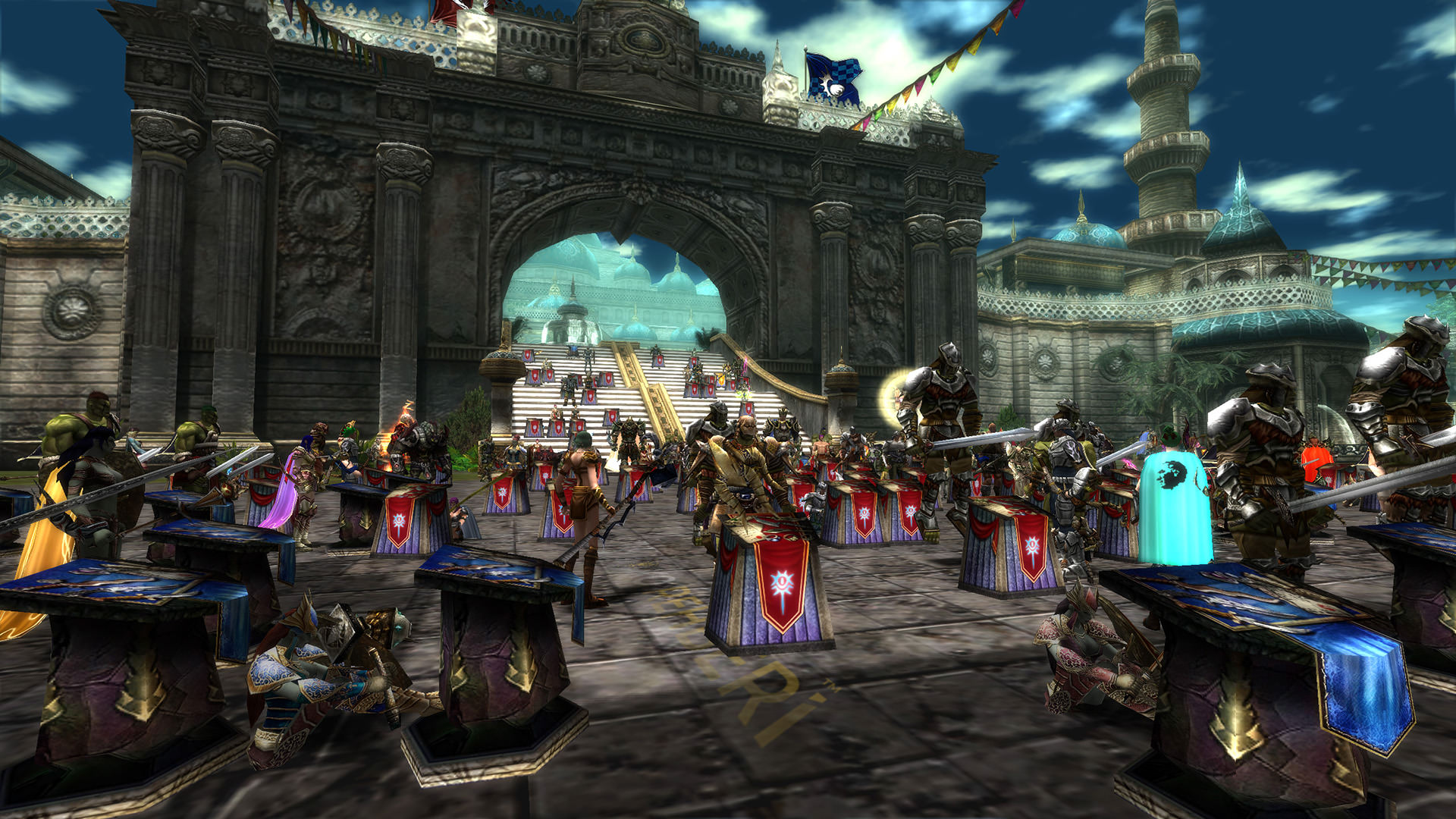
What Is Knight Online Premium Item?
• Premium items are used to increase EXP and Noah (in-game currency) gain, allow 24/7 login, improve item drop rates, and offer bonus items, credits, costumes, and various accessories.
What Are Premium and Cash Good For?
With Premium, you can register and create characters on new servers and gain access to all servers without queueing. You earn more EXP and develop faster in the game. To grow stronger than your opponents and enjoy a smooth gaming experience, we recommend purchasing Premium and Cash. Premium users can enter all servers including (ZERO - AGARTHA - PANDORA - FELIS) without waiting. You can upgrade up to 30 items (+ upgrade), after which you need to RELOG (exit and re-enter the game). The biggest advantage is logging in again without waiting in line. Below are the Premium types and their features.
BRONZE PREMIUM 
Instant login without queue
+20% EXP boost (Lv. 1-83)
Increased item drop rate
Reduced EXP loss on death
Higher sell price to NPCs
50% item repair discount
+5 NP per kill
Valid for 30 days
GOLD PREMIUM
Instant login without queue
1 Trina (item upgrade material)
+30% EXP boost (Lv. 1-83)
Increased item drop rate
Reduced EXP loss on death
Higher sell price to NPCs
Extra Noah bonus
+5 NP per kill
Valid for 30 days
PLATINUM PREMIUM
Instant login without queue
+400% EXP (Lv. 1-50)
+100% EXP (Lv. 51-83)
Extra Noah bonus
1 Trina
Increased item drop rate
+5 NP per kill
Valid for 30 days
DC PREMIUM
Instant login without queue
+30% EXP (Lv. 1-83)
Increased item drop rate
2.5% less EXP loss on death
150% sell price to NPCs
50% item repair discount
Extra Noah bonus
+12 NP per kill
Golden Mattock Voucher (30 days mining item)
Free access to DC Flash items
Access to DC Store (premium pots and buffs)
30x Magic Hammer
1 Trina
Valid for 30 days
EXP PREMIUM
Instant login without queue
+400% EXP (Lv. 1–50)
+300% EXP (Lv. 51–60)
+200% EXP (Lv. 61–70)
+120% EXP (Lv. 71–83)
EXP Flash (gives extra 50–80% EXP boost)
Increased item drop rate
1% less EXP loss on death
150% sell price to NPCs
Extra Noah bonus
+12 NP per kill
Premium Fishing Rod (30 days)
1 Trina
Access to EXP Store (premium pots and buffs)
10x Magic Hammer
Valid for 30 days
WAR PREMIUM
Instant login without queue
+100% EXP (Lv. 1–83)
Increased item drop rate
2.5% less EXP loss on death
Higher sell price to NPCs
50% item repair discount
Extra Noah bonus
+15 NP per kill
War Flash (gain extra 1–10 NP per kill via fishing)
Premium Fishing Rod (30 days)
Free stat and skill reset
Valid for 30 days
SWITCHING PREMIUM
With SWITCH Premium, you can switch between DC, WAR, and EXP Premiums in-game. It is delivered as a single package and includes all three types. It does not provide additional features itself, but you can activate the benefits of the Premium type you choose.

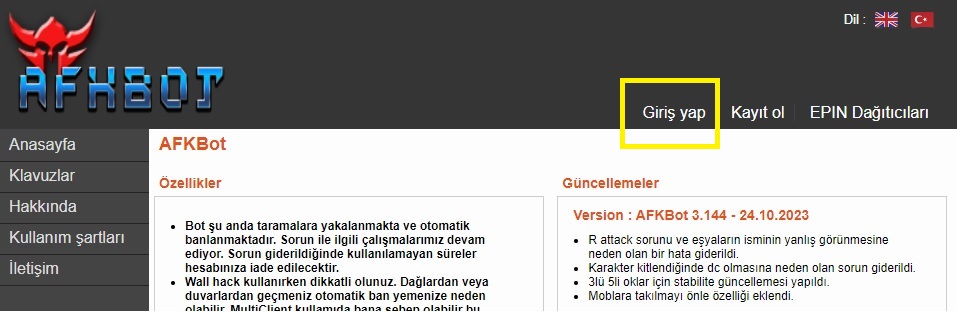
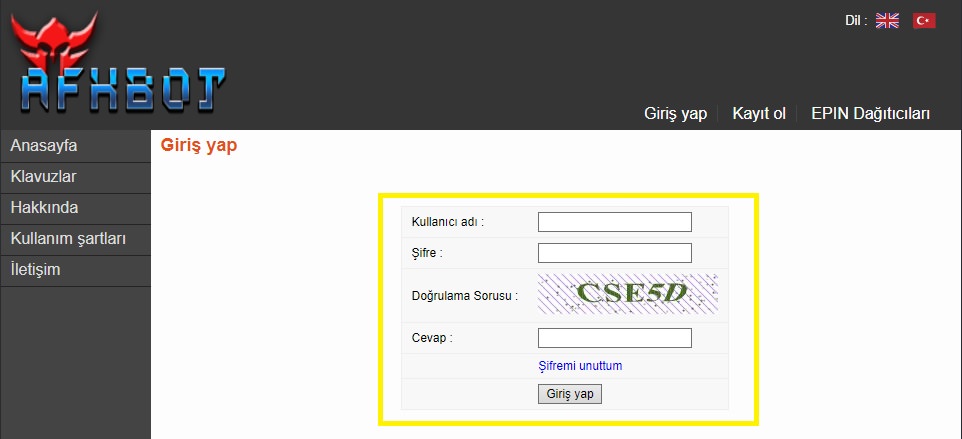
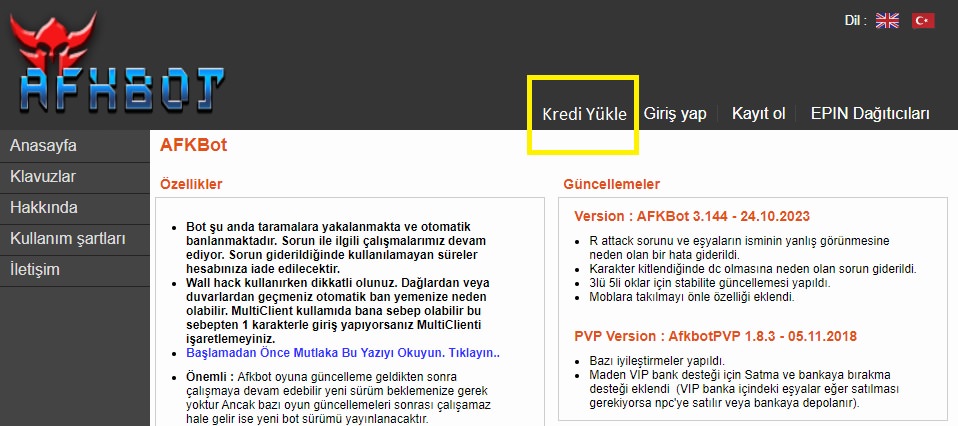
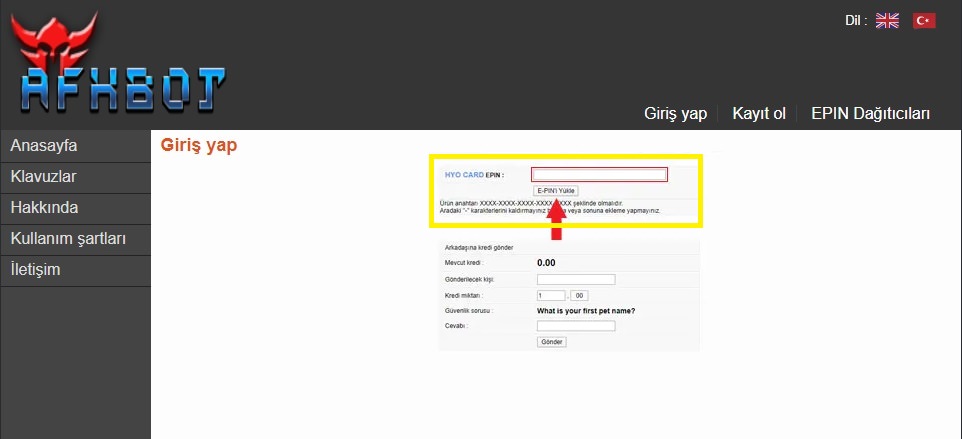
Redemption questions
Does adding credit automatically start time?
The official guide separates credit installation from conversion into time. Check your account result and chosen conversion.
24/7 live support
Use our website’s live support area for order and code questions.
Information
The reviews in this area are real evaluation comments made by real users who have purchased these products.

I'm Sorry!
Be the first to review!