


E-Pin Ürünleri
| Product Name | Stock | Unit Price | Quantity | Price | Order | |
|---|---|---|---|---|---|---|
|
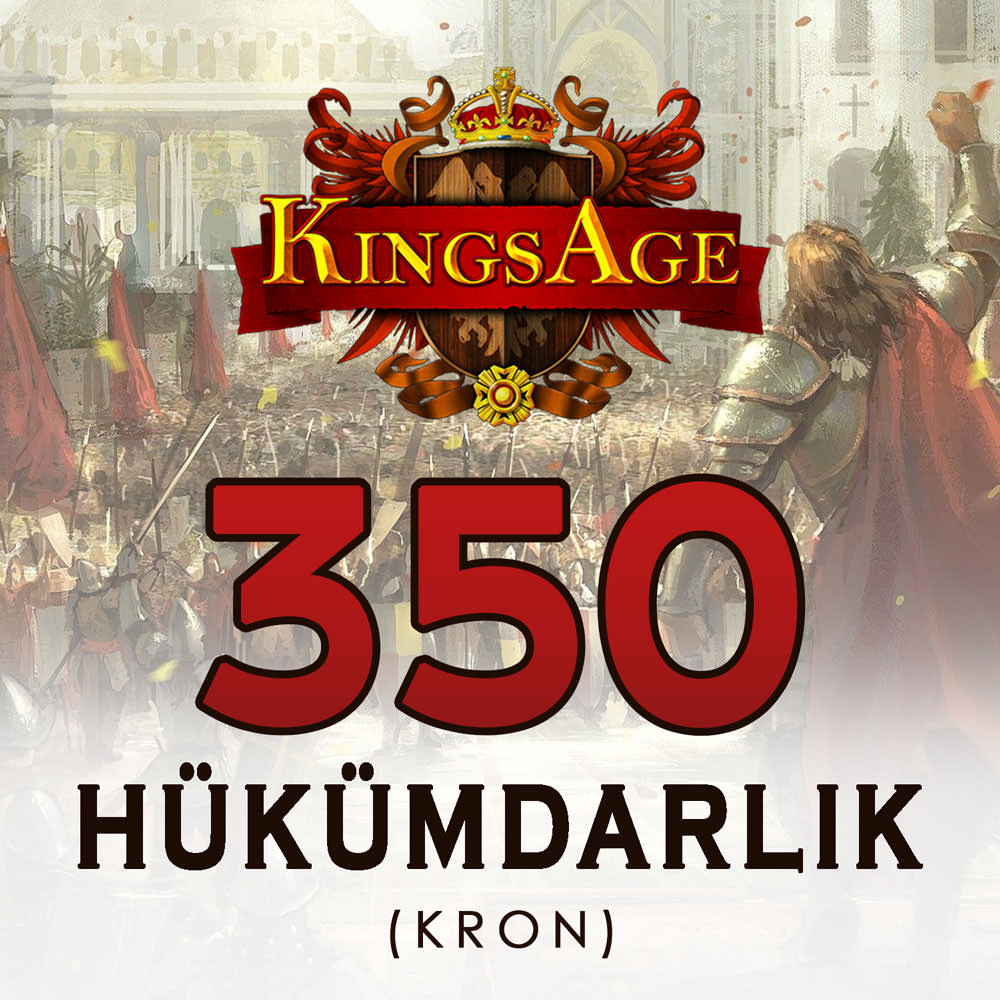
Kings Age 350 Reigns Kings Age 350 Reign is delivered as epin Code. It is a 90 TL coupon from Gameforge Company. Valid for all Gameforge games | 91.03 TL | 91.03 TL | Notify when stock available | ||
|
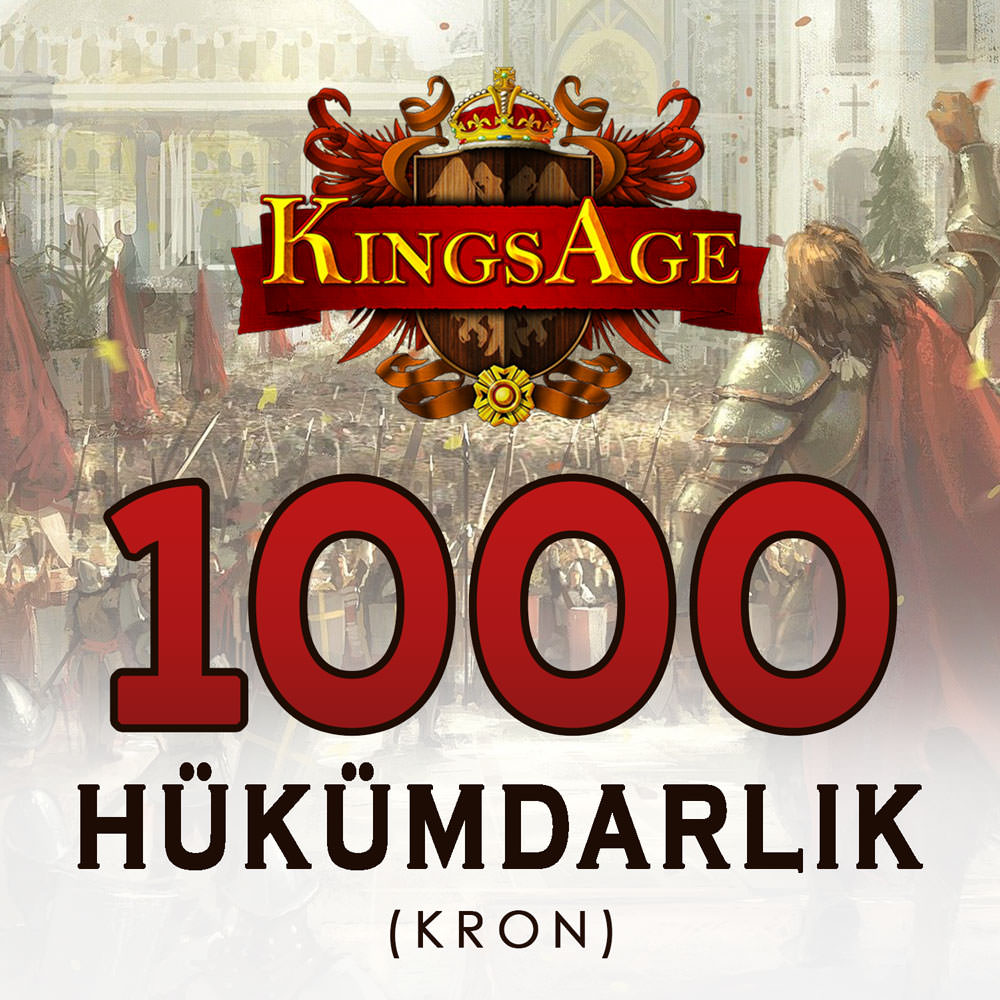
Kings Age 1000 Reigns Kings Age 1000 Reign is delivered as epin Code. It is a 225 TL coupon from Gameforge Company. Valid for all Gameforge games | 227.58 TL | 227.58 TL | Notify when stock available | ||
|
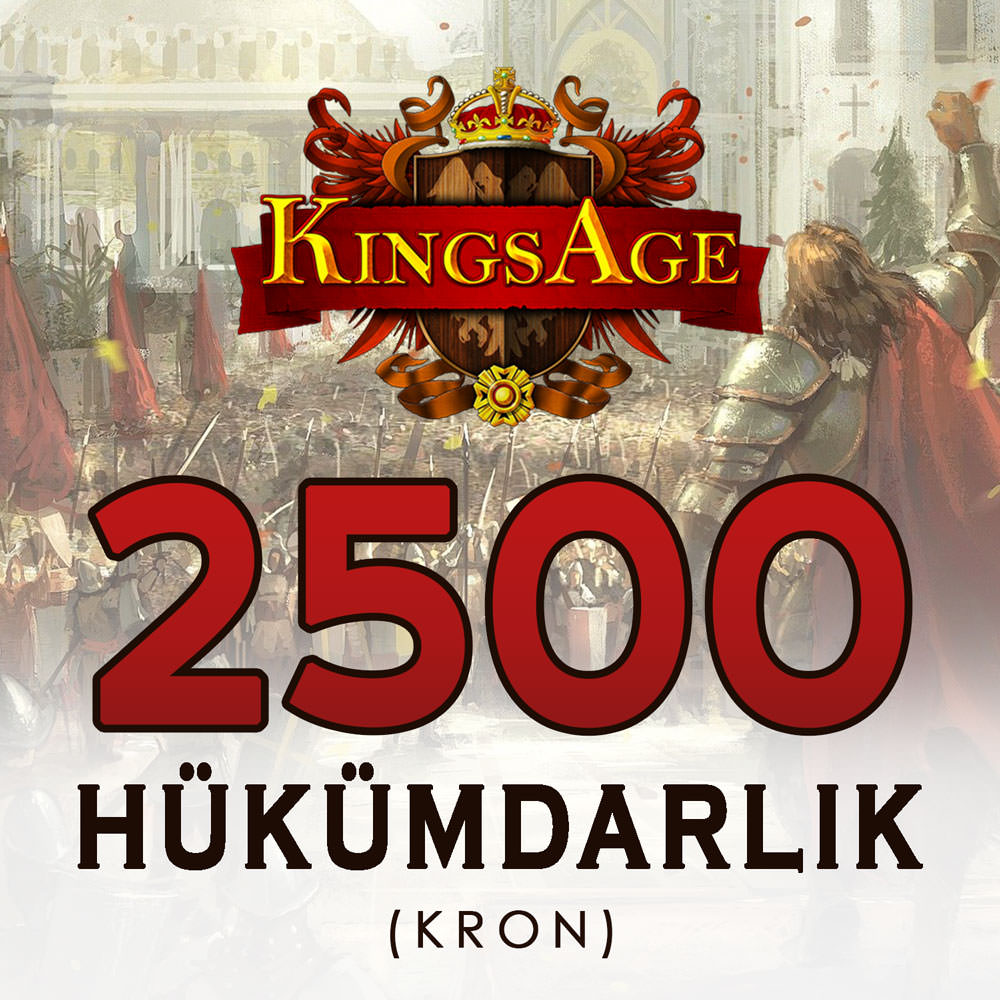
Kings Age 2500 Reigns Kings Age 2500 Reign is delivered as epin Code. It is a 450 TL coupon from Gameforge Company. Valid for all Gameforge games | 455.16 TL | 455.16 TL | Notify when stock available |
Kings Age
Gameforge announced 17 September 2026 as the closure date for selected servers, including some Turkish servers. This is not a shutdown of the entire game. Verify that your server is active before buying a code; do not purchase for a closed server.

What to check when choosing a KingsAge package
- Product scope: The list includes packages named 350, 1,000 and 2,500 Hükümdarlık. Compare the product description with the official payment screen. Voucher face value in TRY, selling price and premium currency amount are separate details.
- Active server and region: Check that your account’s server is accessible and that the voucher intended for the Turkish service matches your account. Do not assume it works on private servers or with other publishers.
- Voucher type: A purchased credit voucher and a compensation coupon issued by Gameforge for server closures should not be treated as having the same scope. A compensation coupon follows the conditions in its official announcement.
Before buying a KingsAge e-pin
After checking your account and game server, review the package scope, current price, stock status and delivery information. If compatibility or the credit amount is unclear, contact our live support before buying. Redeem the delivered code through the relevant official payment area and check the credit shown before confirming. Never share your code or account password. See the product’s activation instructions for detailed steps.
Frequently asked questions about KingsAge products
Has KingsAge shut down completely?
No. The official announcement covers only the listed servers and states that other servers remain available. Check your account’s server in the current lobby and official announcements.
Can I use premium credit across every server?
Do not assume a shared balance. Crowns and premium items are server-bound; check that you are using the correct server before redeeming a code.
Is the credit added automatically after purchase?
This category delivers an e-pin code. Complete official redemption using a compatible account and server. If the credit shown differs from the package information, contact support before confirming.
24/7 live support
For questions about package scope, a Gameforge voucher or a delivered code, contact our team 24/7 through the live support area on our website.

Information
The reviews in this area are real evaluation comments made by real users who have purchased these products.

Redemption questions
No voucher option or an invalid code?
Check the game, server and code type. Contact support with order details and the error message; do not publish the code or make a second payment.
24/7 live support
Use our website’s live support area for order and code questions.
I'm Sorry!
Be the first to review!