


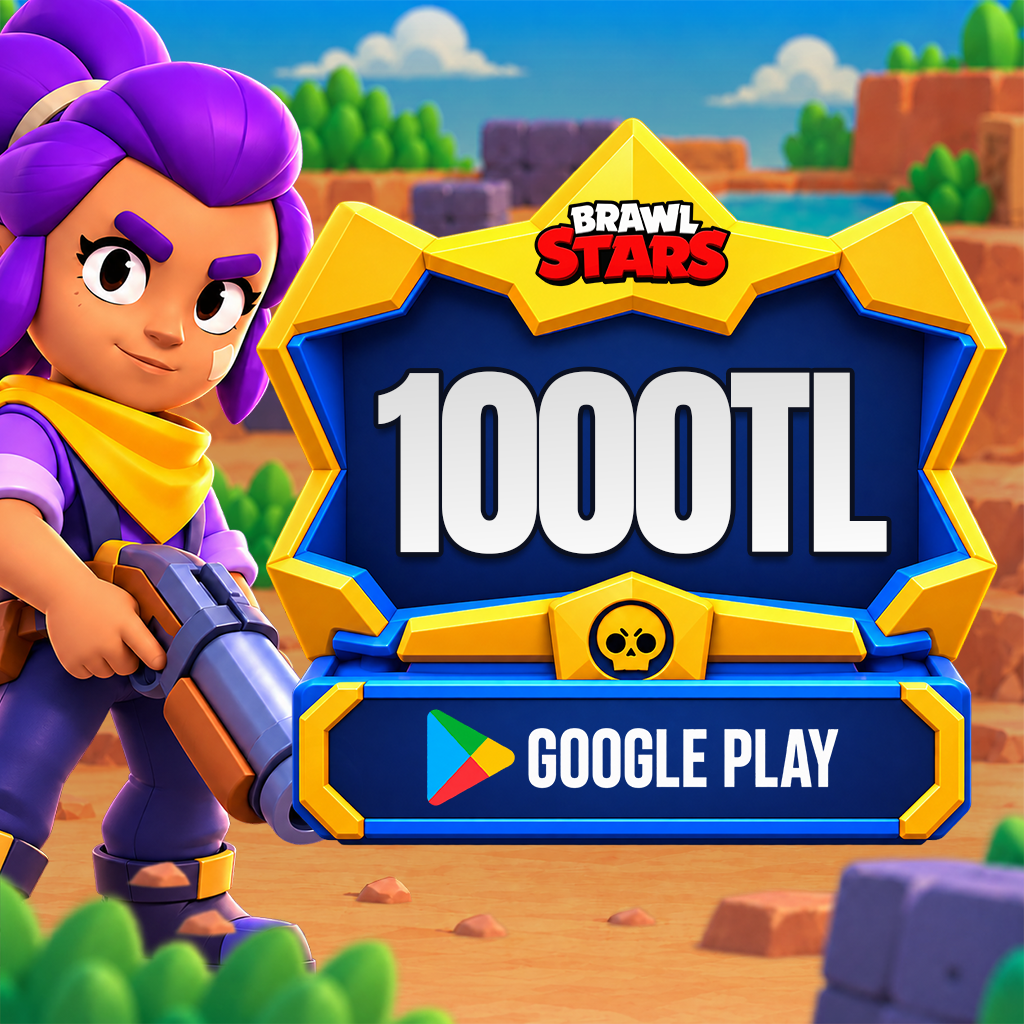
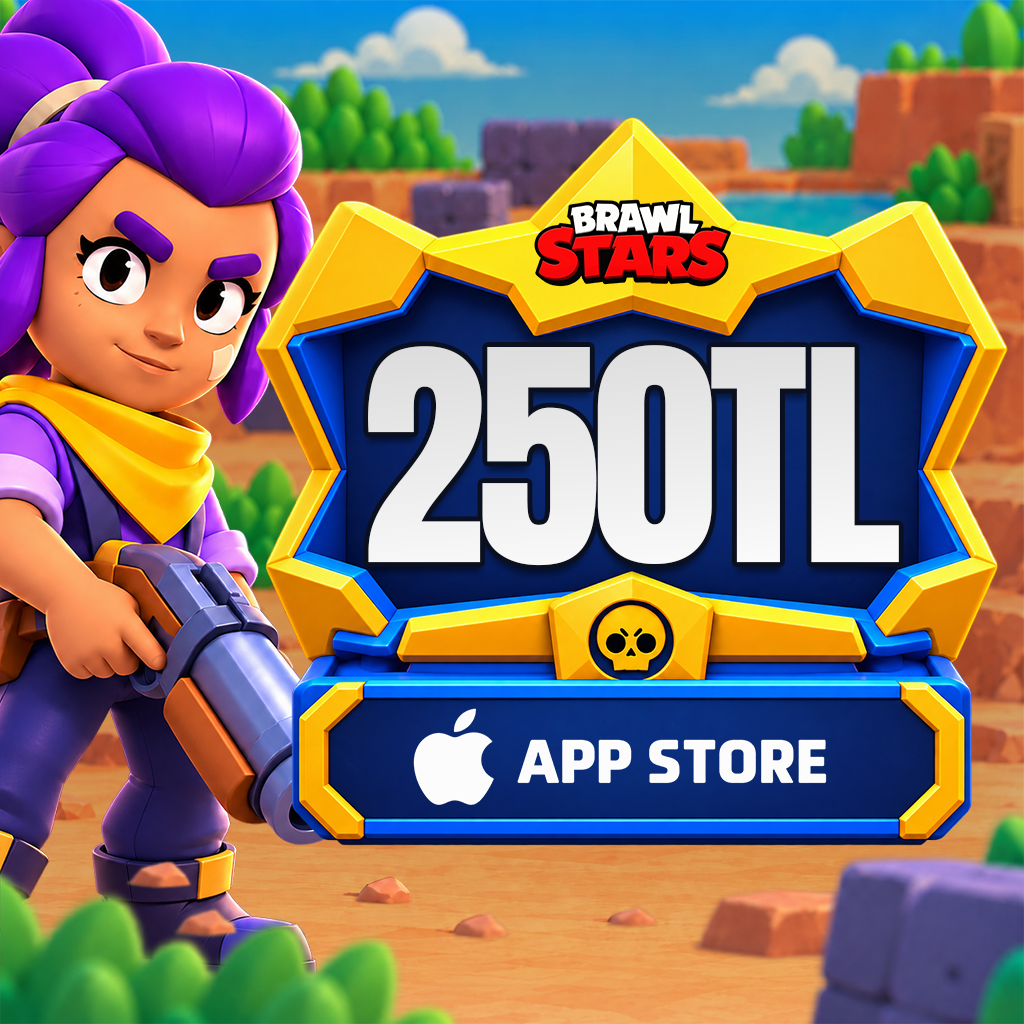
Brawl Stars Gems 1000 TRY Google Play
Brawl Stars Gems and Brawl Pass – Build Your Strategy, Show Your Power!
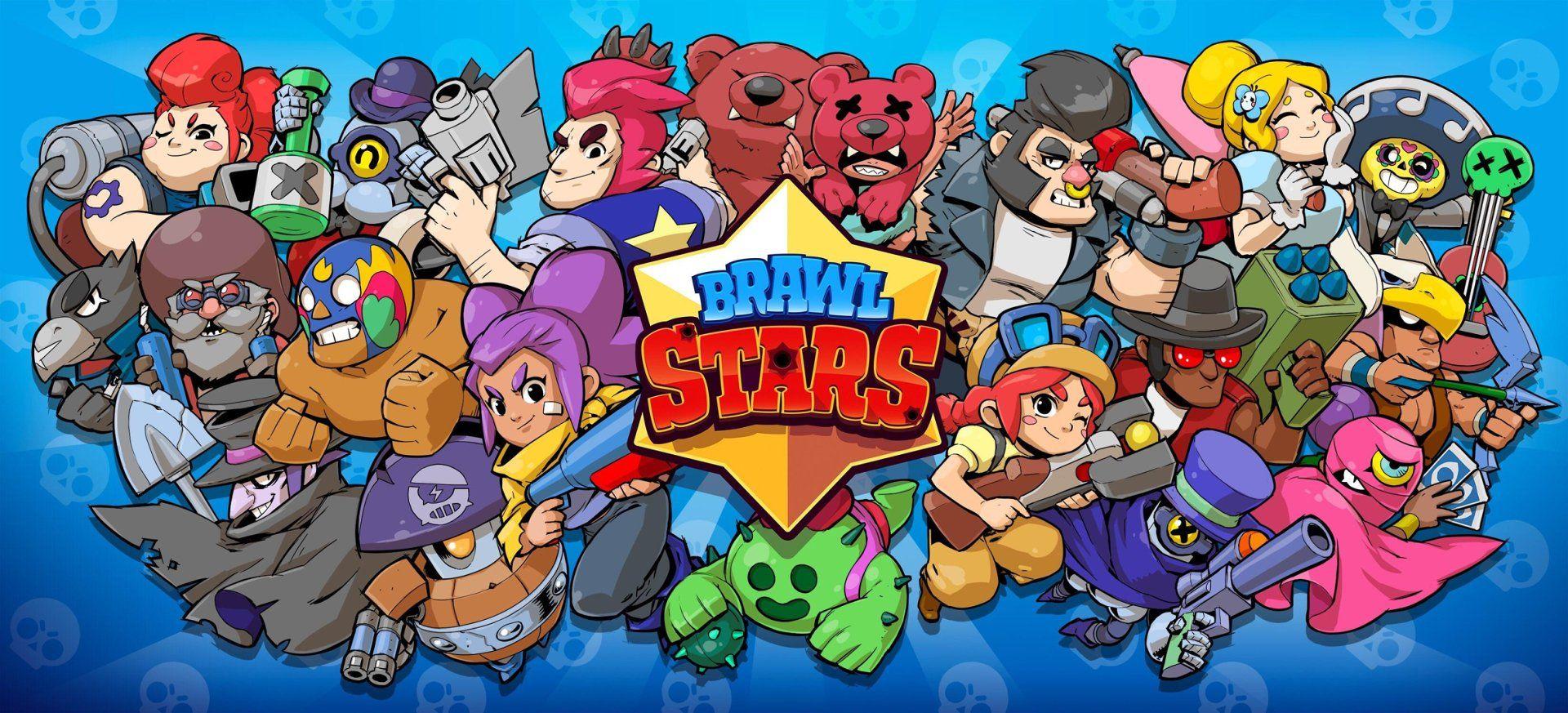
Brawl Stars is a fast-paced and strategic mobile action game developed by Supercell. This multiplayer game, available on both Android and iOS devices, takes place in a vibrant universe filled with characters (called Brawlers) that each possess unique abilities. Players face off against opponents in different game modes that test their strategic thinking, teamwork, and reflexes.
What Are Brawl Stars Gems and What Are They Used For?
Gems are the premium in-game currency of Brawl Stars. With gems, you can:
- 🎁 Take advantage of daily deals in the shop,
- 📦 Purchase special boxes and gold packs,
- 💎 Unlock seasonal rewards with the Brawl Pass.
Gems play a crucial role in upgrading your characters and gaining a competitive edge against your rivals.
Popular Brawler Characters
- Shelly: A starting character with mid-range attacks, great for beginners.
- Leon: Can turn invisible with his super, perfect for surprise attacks.
- Spike: Uses thorny area attacks that are effective against groups.
- Crow: Throws poison daggers that deal damage over time.
- Surge: Evolves and becomes stronger with every use of his super.
💡 Other Character Types
- Tanks: High HP and strong in close combat (e.g., El Primo, Bull)
- Snipers: Effective at long range (e.g., Piper, Colt)
- Healers: Support teammates by healing (e.g., Poco)
- Controllers: Great for controlling the battlefield (e.g., Barley)
Fun at the Top with Game Modes!
- Gem Grab: Collect 10 gems with your team and hold onto them.
- Showdown: A survival battle that can be played solo or duo.
- Heist: Protect your own safe while trying to destroy the opponent's.
- Brawl Ball: A soccer-style mode – score goals to win!
- Bounty: Earn stars by defeating enemies – the team with the most wins.
- Siege and Special Events: Seasonal and time-limited events with extra rewards.
Instant Delivery of Brawl Stars Codes on Hipopotamya!
Brawl Stars Gems and Brawl Pass codes you purchase on Hipopotamya.com are delivered within minutes. All transactions are fully secured via the Supercell ID system. Just follow these simple steps:
- Visit https://accounts.supercell.com/login.
- Enter the email linked to your game, log in, and copy the OTP code sent to your inbox.
- During checkout, enter your email address and the OTP code.
Example format: [email protected] 123456
✔ Your product will be automatically applied to your account within 15 minutes.
Why Choose Hipopotamya?
- ✅ 24/7 Fast & Automatic Delivery
- ✅ 100% Secure and Licensed Codes
- ✅ Affordable Prices
- ✅ Continuous Support for All Supercell Products
If you want to dive into the world of Brawl Stars, strengthen your character, and dominate the battlefield — Hipopotamya.com is the right place for you!
Brawl Stars Gems Top-Up Guide
Below are the steps to top up gems to your Brawl Stars account using balances purchased on Hipopotamya.com and the Supercell OTP system.
🎮 In-Game Brawl Stars Gem Top-Up Steps
Step 1: Log in to Brawl Stars. Click on the "Shop" section located on the left side.
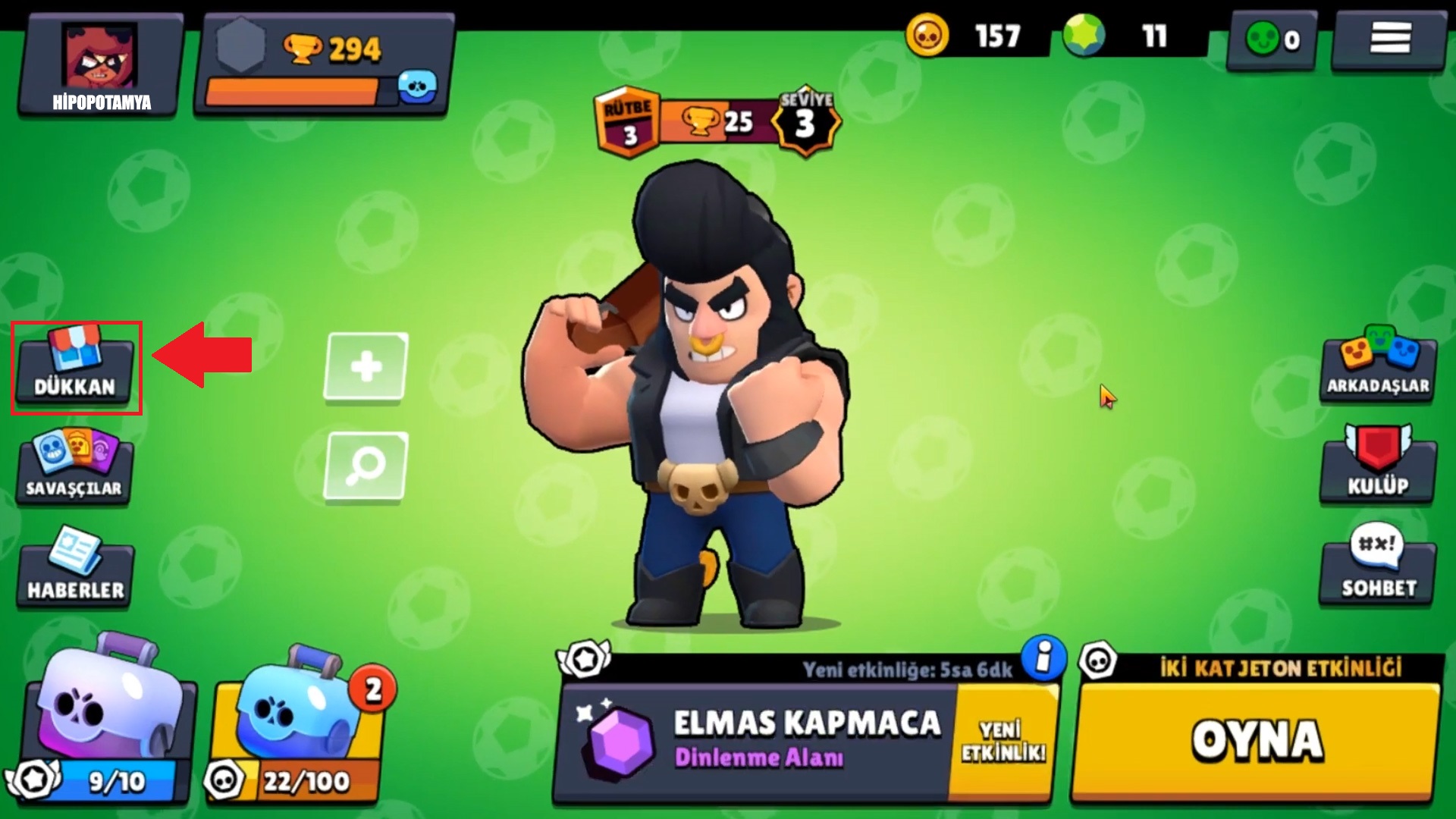
Step 2: Select any gem package you desire within the shop.
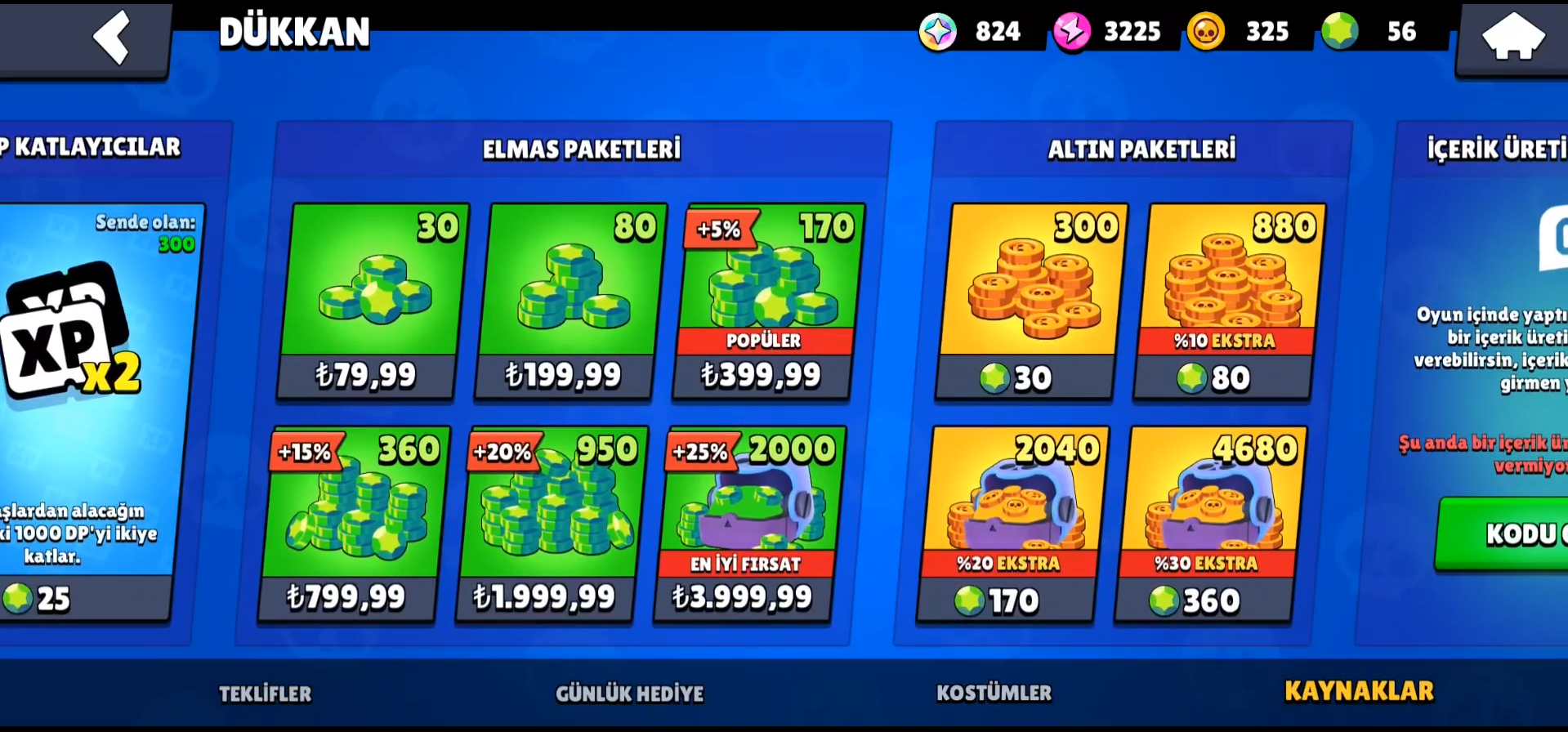
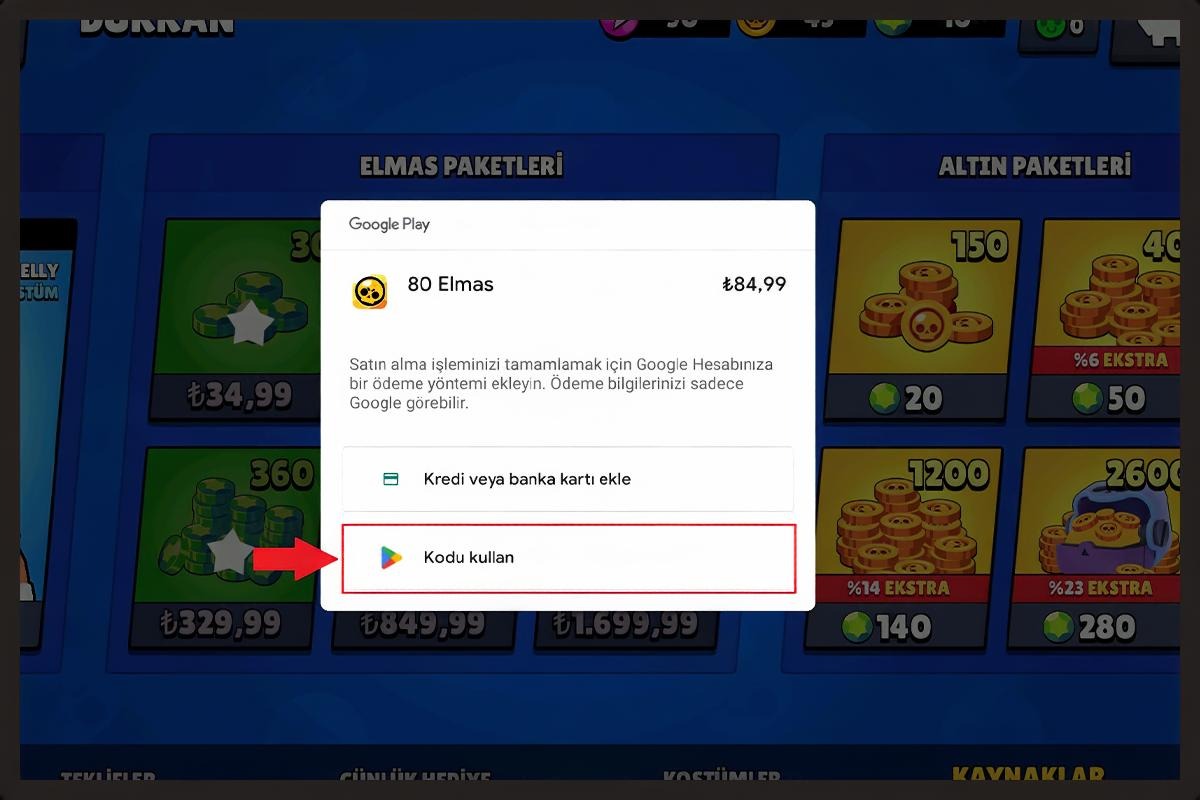
Step 3: Complete the payment using your Google Play or App Store balance purchased from Hipopotamya.
⚡ Direct Gem Top-Up via Supercell OTP Code
Follow these steps for gems to be automatically transferred to your account for Brawl Stars ID / OTP top-ups placed on Hipopotamya.com:
- accounts.supercell.com/login
- Enter the email address linked to your Brawl Stars account and click the "Log In" button.
- A 6-digit OTP verification code will be sent to your email. Do not use this code on the screen yourself!
- When purchasing the Brawl Stars product on Hipopotamya.com, write your email address and the received OTP code in the designated box on the order screen (Example: [email protected] 123456).
- Shortly after completing the order, your gems will be automatically credited directly to your account.
💡 Note: Since the OTP code has a limited validity period, it is recommended to place your order immediately after receiving the code.
🎁 How to Use a Google Play Gift Code?
You can follow the steps below to easily activate the Google Play gift code you purchased on Hipopotamya.com:
🛒 1. Get Your Code
- Go to Hipopotamya.com and sign in to your account. If you are not a member yet, you can register quickly.
- Type "Google Play" into the search bar and select your desired balance amount.
- Click the "Add to Cart" button and complete the payment process.
- After the purchase, view your digital code on the "My Orders" page.
📲 2. Activate the Code via Google Play
- Go to play.google.com and sign in with your Google account.
- Click on your profile picture in the top right corner.
- Select "Payments & subscriptions".
- Click "Add a payment method", then select "Redeem code".
- Paste the gift code you received from Hipopotamya.com into the designated field.
- Click the "Confirm" button to complete the process.
✅ Your Google Play balance has been successfully topped up! You can now enjoy purchasing apps, games, movies, and more on the Google Play Store.
🍎 Apple & iTunes Balance Top-Up Guide
Step 1 (Sign In): Open the iTunes & App Store app on your iOS device.
Step 2 (Account Information): Tap the profile icon in the top right corner and go to the "Account" section. Check your Apple ID and payment details here.
Step 3 (Payment Information): If you don't have payment information or if it needs to be updated, go to "Payments & Shipping" to edit your details.
Step 4 (Add Balance): Tap your profile icon on the "Today" tab on the App Store & iTunes main screen and find the "Add Balance" option.
Step 5 (Balance Options): You can select a specific amount or use balance cards purchased beforehand.
Step 6 (Complete the Transaction): After confirming your selected balance amount, you can complete the transaction using your payment details.
🥇 How to Buy Brawl Stars Gems with Razer Gold?
There is no direct Razer Gold PIN payment option within Brawl Stars. However, you can follow this method to top up gems using your Razer Gold balance:
Step 1: Log in to the Razer Gold website (gold.razer.com).
Step 2: Purchase a Google Play Gift Code using your Razer Gold balance.
Step 3: Redeem the purchased code to your Google Play account and acquire your gems from the in-game Brawl Stars shop.

Instantly top up your Brawl Stars Gems and Store Codes with Hipopotamya guarantee!
Information
The reviews in this area are real evaluation comments made by real users who have purchased these products.


I'm Sorry!
Be the first to review!