E-Pin Ürünleri

Product Name Stock Unit Price Quantity Price Order
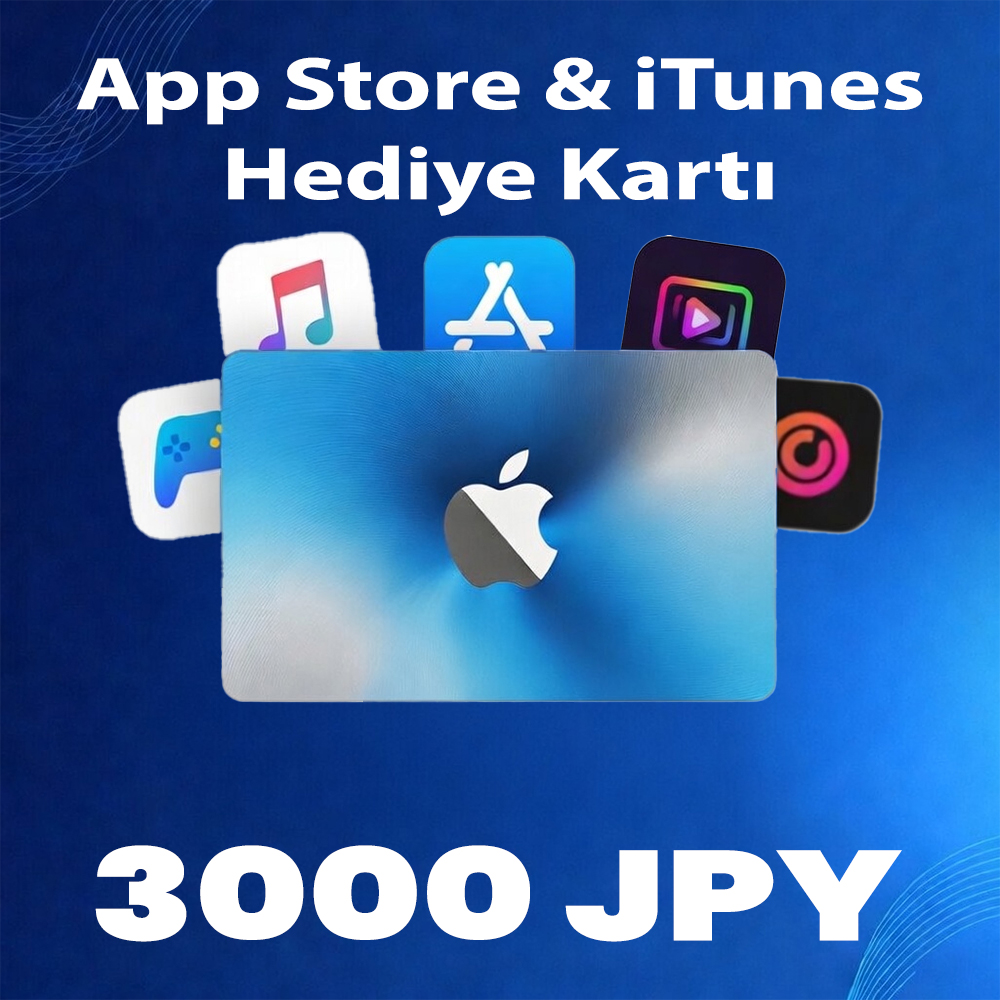
App Store & iTunes Gift Card 3000 JPY App Store & iTunes Gift Card 3000 JPY Delivered as a 3000 JPY App Store Gift Card Valid in the JPY 903.97 TL 903.97 TL Add to Cart
App Store & iTunes Gift Card 5000 JPY App Store & iTunes Gift Card 5000 JPY Delivered as a 5000 JPY App Store Gift Card Valid in the JPY 1470.05 TL 1470.05 TL Add to Cart

App Store & iTunes (JPY)

What is iTunes?

iTunes is a media player and media library application developed by Apple. First released in 2001, it was initially designed only to manage and play music files. Over time, however, iTunes evolved into a more comprehensive media management tool.

Main features of iTunes include:

Music Management

Organize your music files, create albums and playlists, synchronize and play your favorite tracks.

Movies and TV Shows

iTunes allows users to purchase or rent movies and TV shows, adding them directly to their digital library.

Podcasts and Audiobooks

Users can subscribe to podcasts and manage their audiobook collections.

App Management

iTunes can be used to manage and install applications on iOS devices.

Synchronization

iTunes manages data synchronization across Apple devices, making it possible to transfer music, photos, and apps to an iPhone or iPad.

However, with macOS Catalina (10.15), Apple discontinued iTunes and replaced it with dedicated Music, Podcasts, and TV apps. Windows users can still use iTunes, while macOS users now rely on these new applications.

itunes

How to Use iTunes?

iTunes allows users to manage, purchase, and synchronize music, movies, TV shows, podcasts, and other media. Since macOS Catalina (10.15), iTunes is only available on Windows computers, while macOS uses the Music, TV, and Podcasts apps instead.

Using iTunes (for Windows)
Download and Install

Download iTunes from the official Apple website and install it on your computer.

Add Music

To add music files, go to the “File” menu and select “Open File” or “Open Folder.”

Create Playlists

From the “File” menu in the upper-left corner, select “New Playlist” to create custom playlists.

Purchase from iTunes Store

Visit the iTunes Store to purchase music, movies, or TV shows.

Synchronization

Connect your iPhone, iPad, or iPod to your computer and sync music, photos, and other media content.

Using the Music App (for Mac):

Add Music

From the “File” menu, select “Add File” or “Add Folder” to add your music files.

Create Playlists

From the “Playlists” tab on the left, you can create new playlists.

Apple Music Integration

The Music app is integrated with Apple Music. If you have a subscription, you gain access to a vast catalog of music and playlists.

Purchasing and Downloading

Even without an Apple Music subscription, you can purchase music from the iTunes Store or download free content.

These steps cover the basics of using iTunes (on Windows) or the Music app (on Mac) to manage your media. By exploring the menus, you can discover even more features tailored to your needs.

itunesapple

Information

The reviews in this area are real evaluation comments made by real users who have purchased these products.

Yükleniyor animasyon

I'm Sorry!

Be the first to review!

HIPOPOTAMYA - APPLE & APP STORE BALANCE TOP-UP GUIDE

Follow the steps below to quickly redeem the Apple Gift Card code purchased from Hipopotamya into balance on your iOS device.

1 Prepare Your Hipopotamya Code

Copy or note down the 16-digit Apple Gift Card code provided to you after placing your order on Hipopotamya.

2 Open the App Store App

Launch the default App Store app on your iPhone, iPad, or Mac device.

3 Tap Your Profile Icon

Tap your Profile (Account) icon or photo located at the top right corner of the screen.

4 Select "Redeem Gift Card or Code"

Tap the "Redeem Gift Card or Code" option in the menu that opens.

5 Enter Code and Redeem Your Balance

Tap "Enter Code Manually", paste the code you received from Hipopotamya into the field, and tap the "Redeem" button at the top right.

🎉 Congratulations! Your balance has been instantly credited to your Apple ID.

You can use this balance for App Store applications, in-game purchases (PUBG Mobile, Roblox, etc.), iCloud+ subscriptions, or Apple Music.

Apple Balance Top-Up Guide